
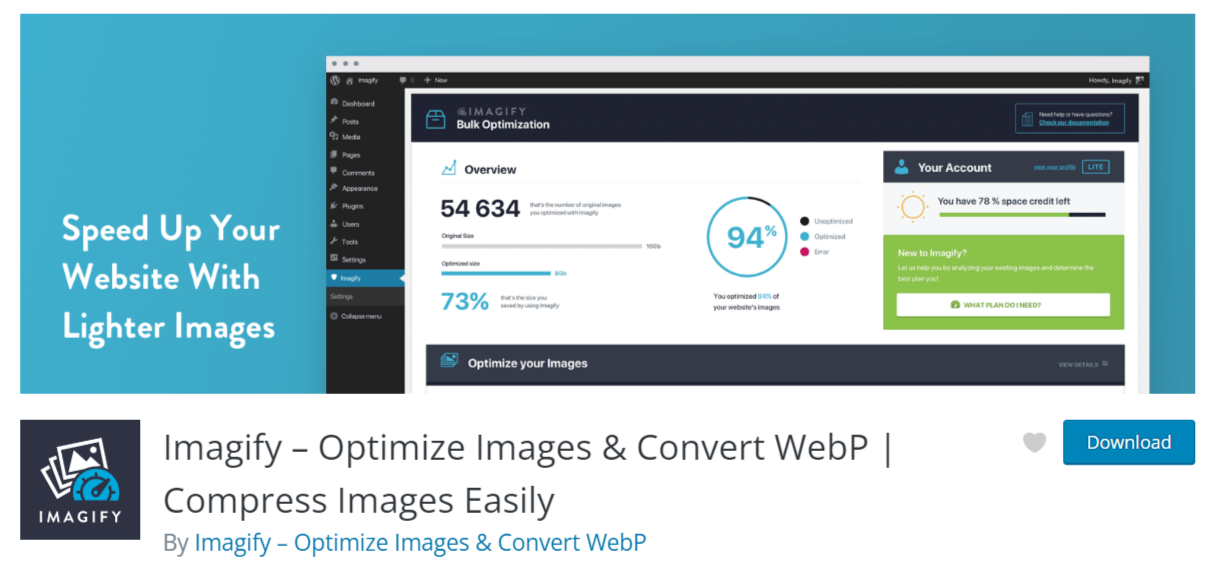
Imagify is a popular plugin with over 700,000 active installs that optimizes images on WordPress sites.
If you’re considering switching to another plugin like EWWW Image Optimization or TinyPNG, it’s important to follow the necessary steps to uninstall Imagify and remove any unused data from the server.
This ensures a smooth transition to the new plugin without any conflicts or issues.
Before you uninstall the Imagify plugin, restoring the original images to the unoptimized versions is recommended.
The Imagify plugin’s original images would be stored in either of the following folder paths;
/wp-content/uploads/backup
/imagify-backups
As a part of data cleanup after uninstalling the Imagify plugin, it’s essential to delete any backup folders and Imagify plugin-related backup folders on your WordPress website.
To delete the postmeta left-over entries of the Imagify plugin, run below SQL query in phpMyAdmin or any database application that you are using;
DELETE FROM wp_postmeta where meta_key = '_imagify_status' or meta_key = '_imagify_optimization_level' or meta_key = '_imagify_data'
The leftover data from uninstalled plugins can have significant storage space on the site’s servers and database, ultimately affecting your WordPress site’s performance.
Keeping unnecessary data on your website can make managing and organizing your website’s content difficult. By deleting the data of uninstalled plugins, you can keep your website’s content more organized and easier to manage.
Useful Links
- https://wordpress.org/plugins/imagify/
- https://imagify.io/documentation/restore-images-original/
- https://wordpress.org/support/topic/thousands-of-meta-entries-after-deletion/
- https://wordpress.org/support/topic/how-best-to-delete-the-plugin-with-everything-removed/
- https://wordpress.org/documentation/article/phpmyadmin/


