

Solid Security Integration
Soild Security Extension for MainWP Dashboard.

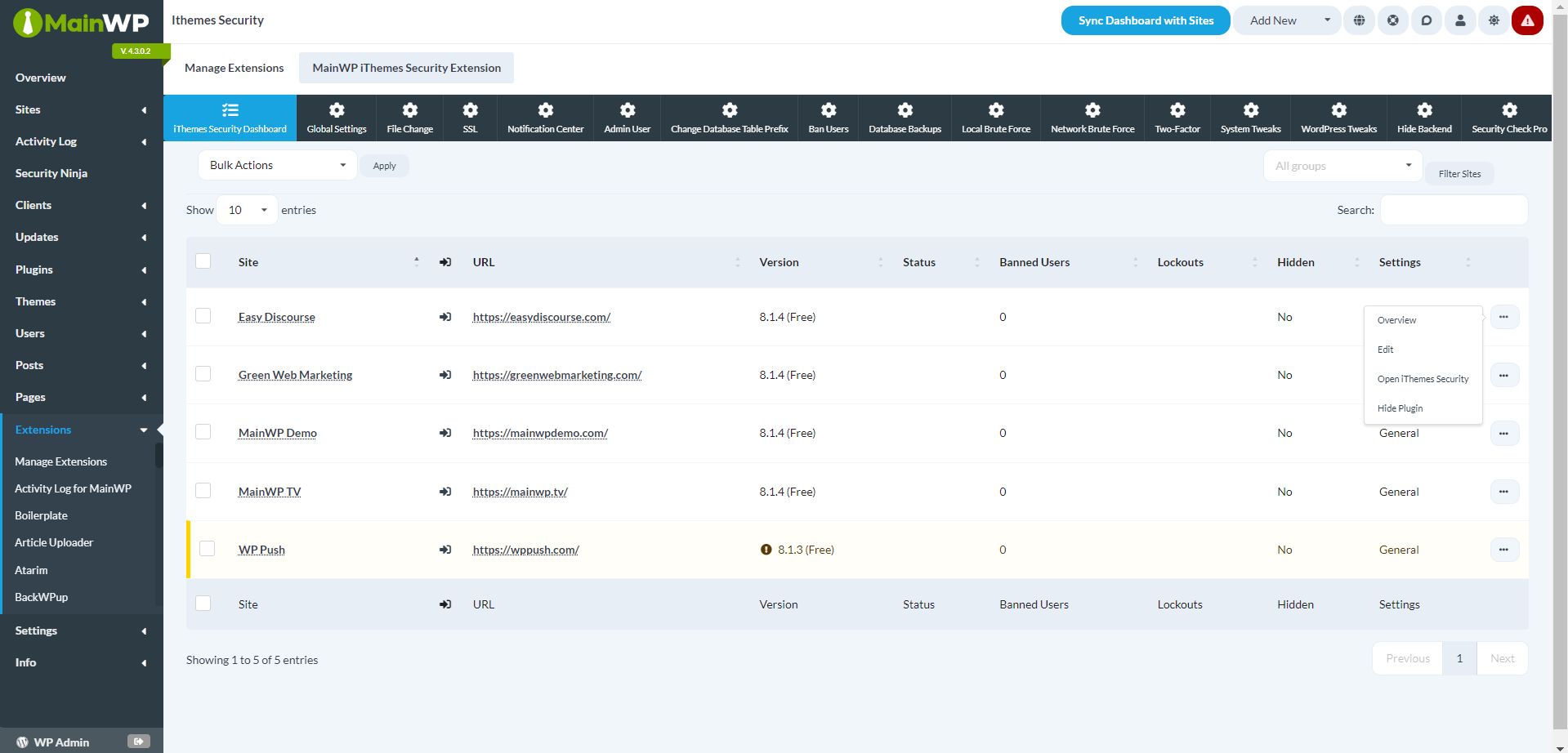
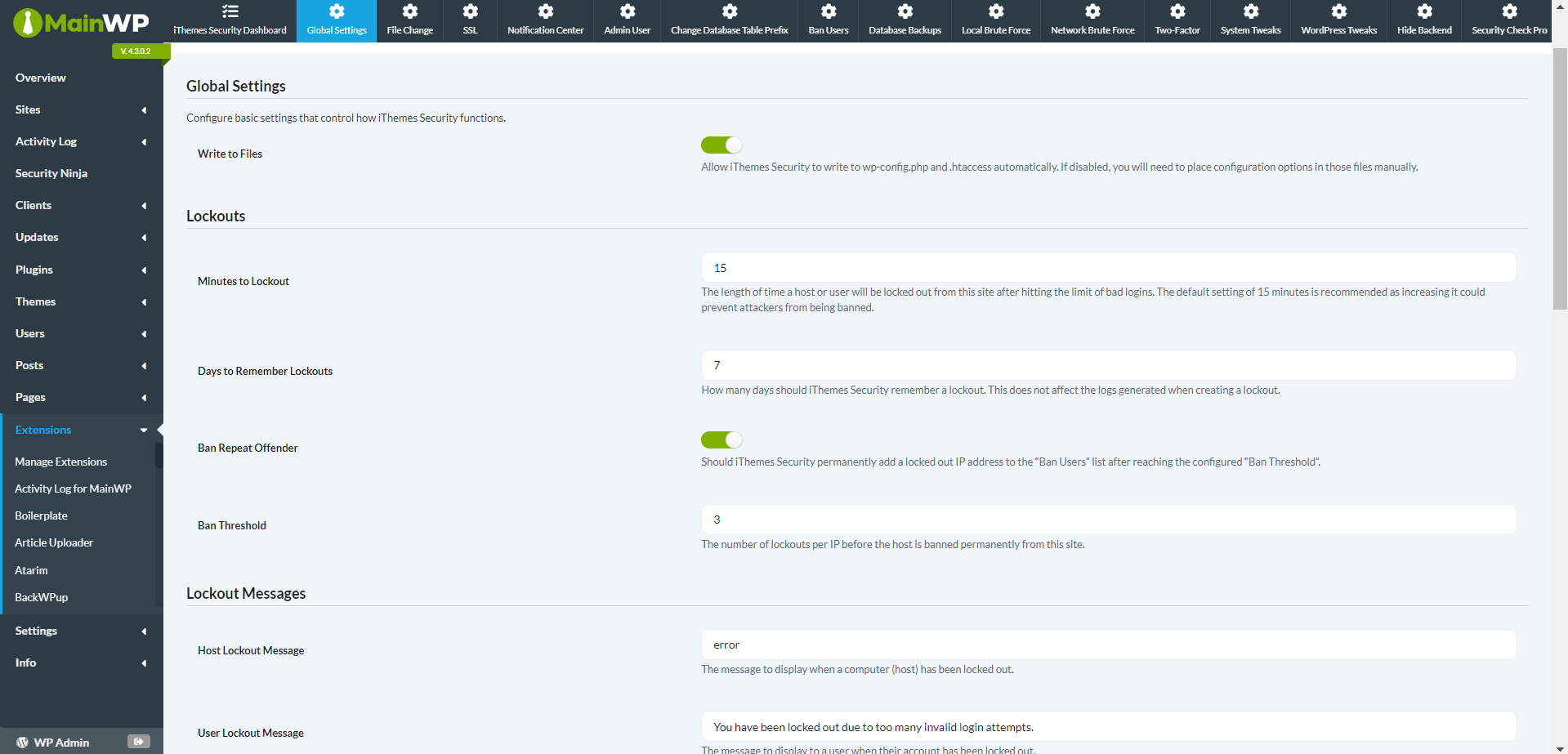
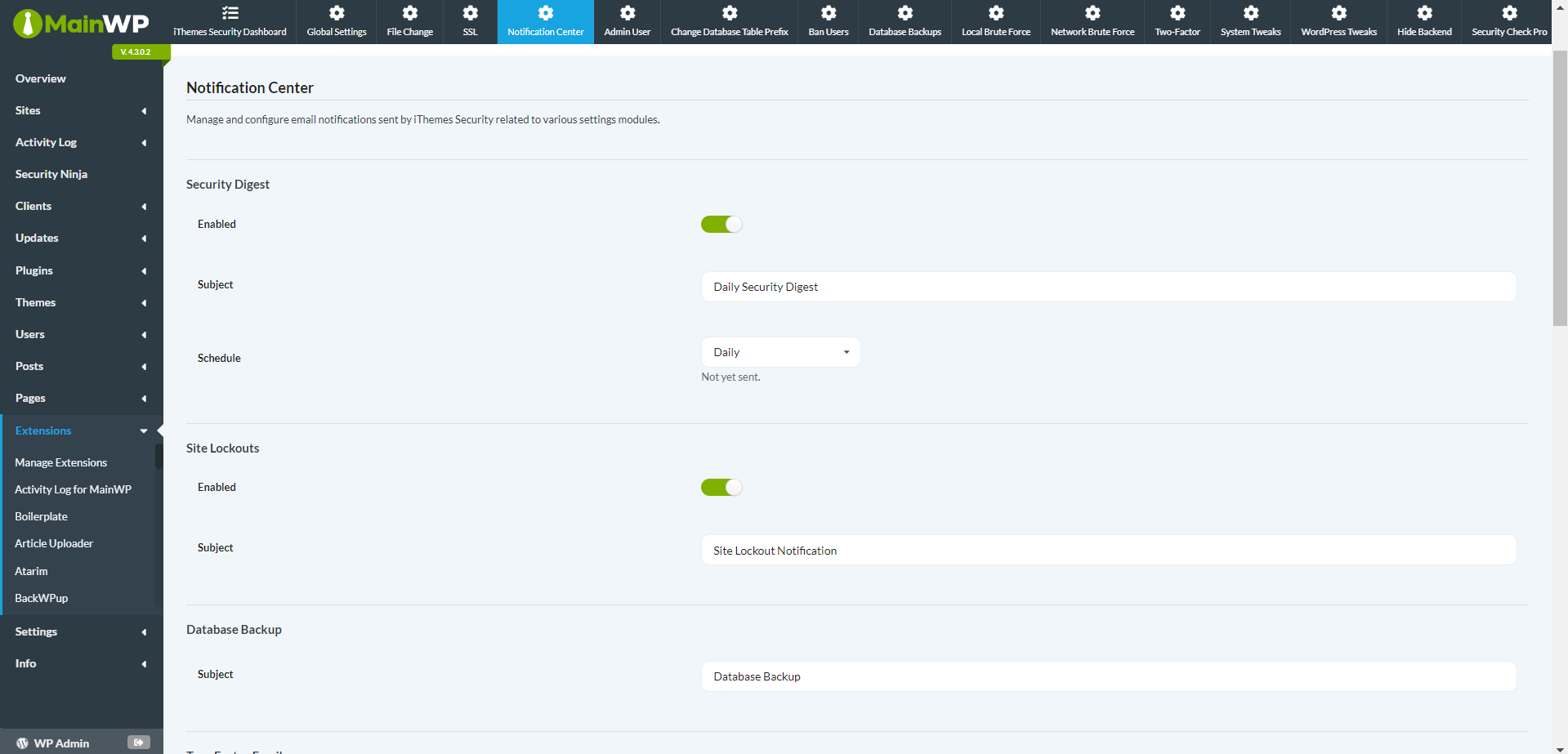
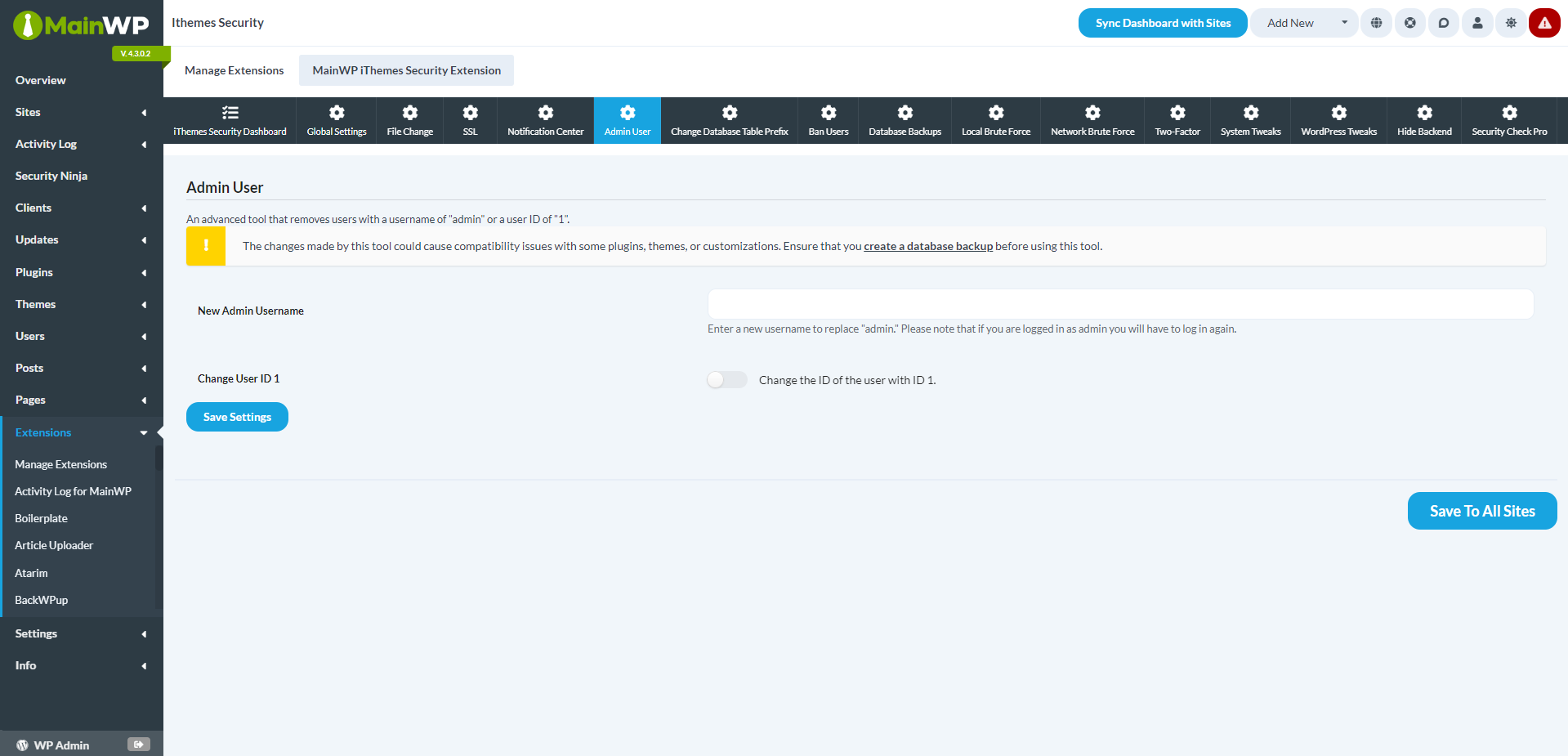
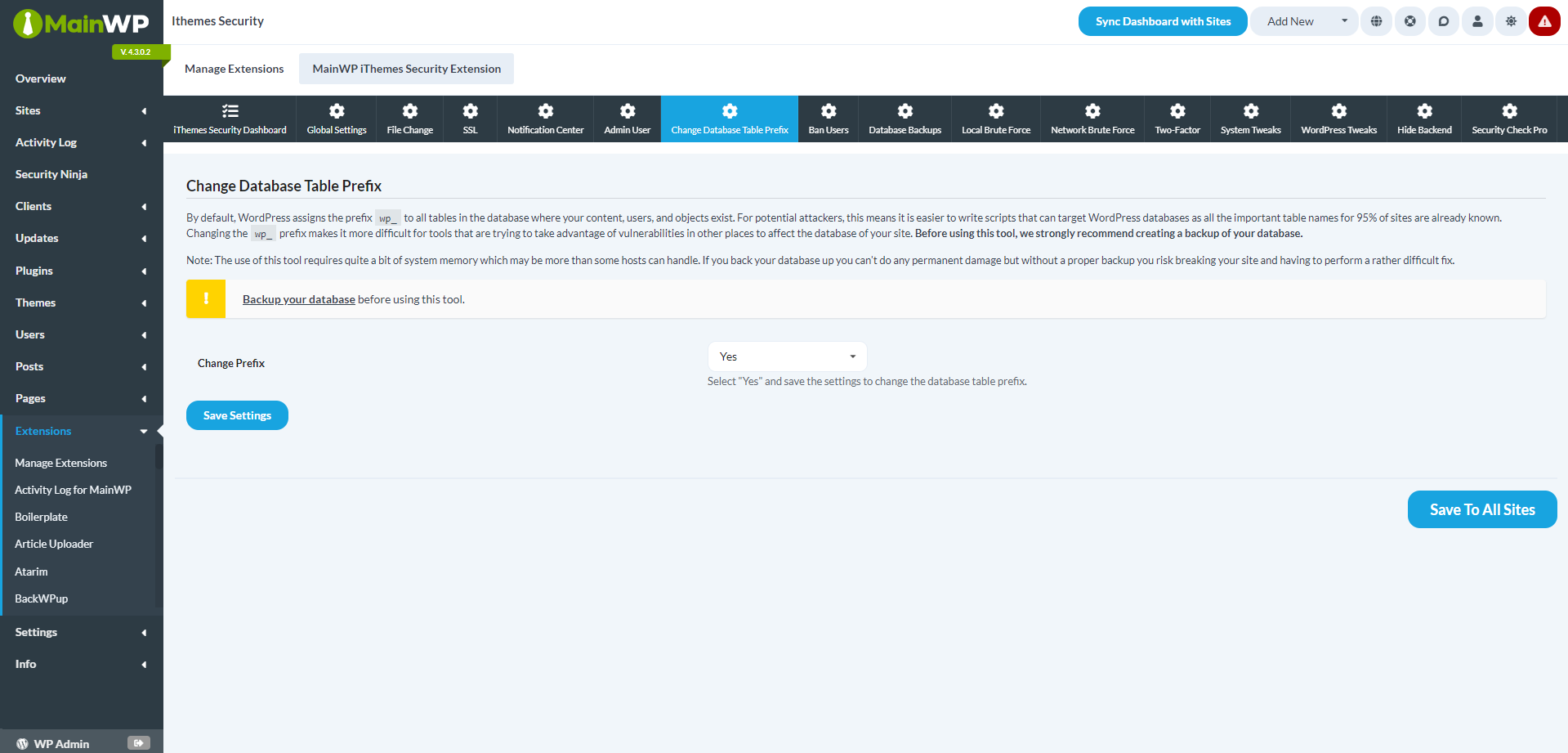
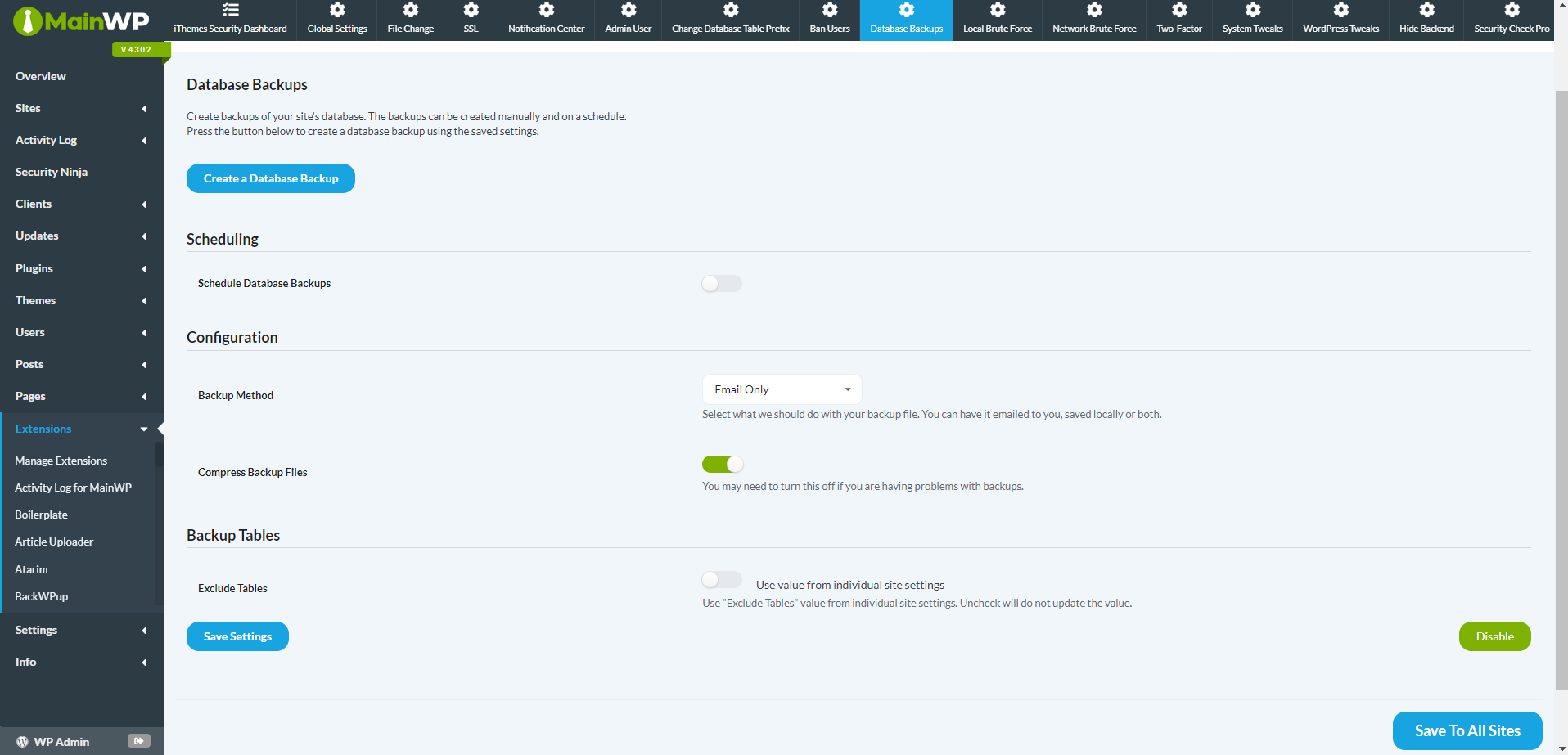
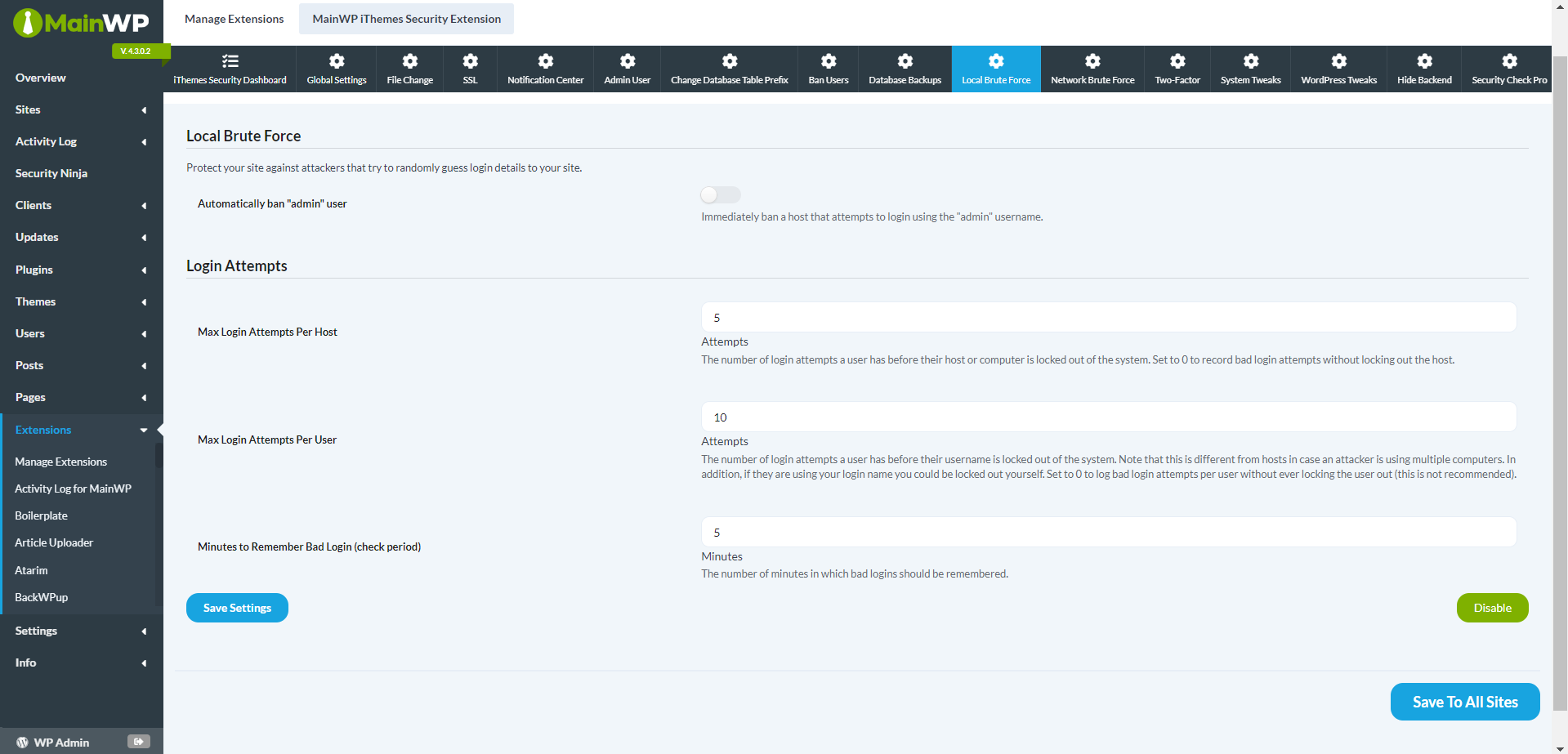
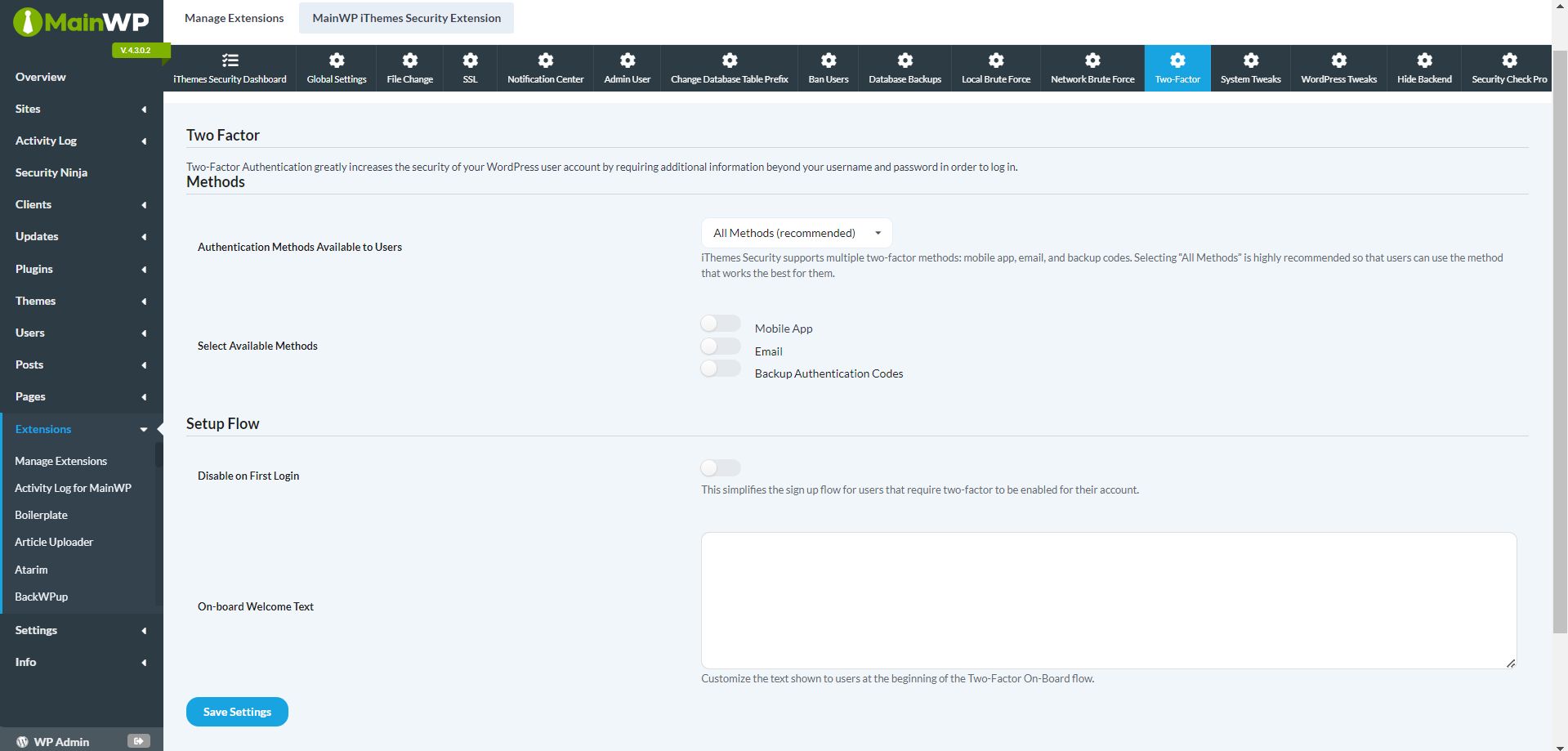
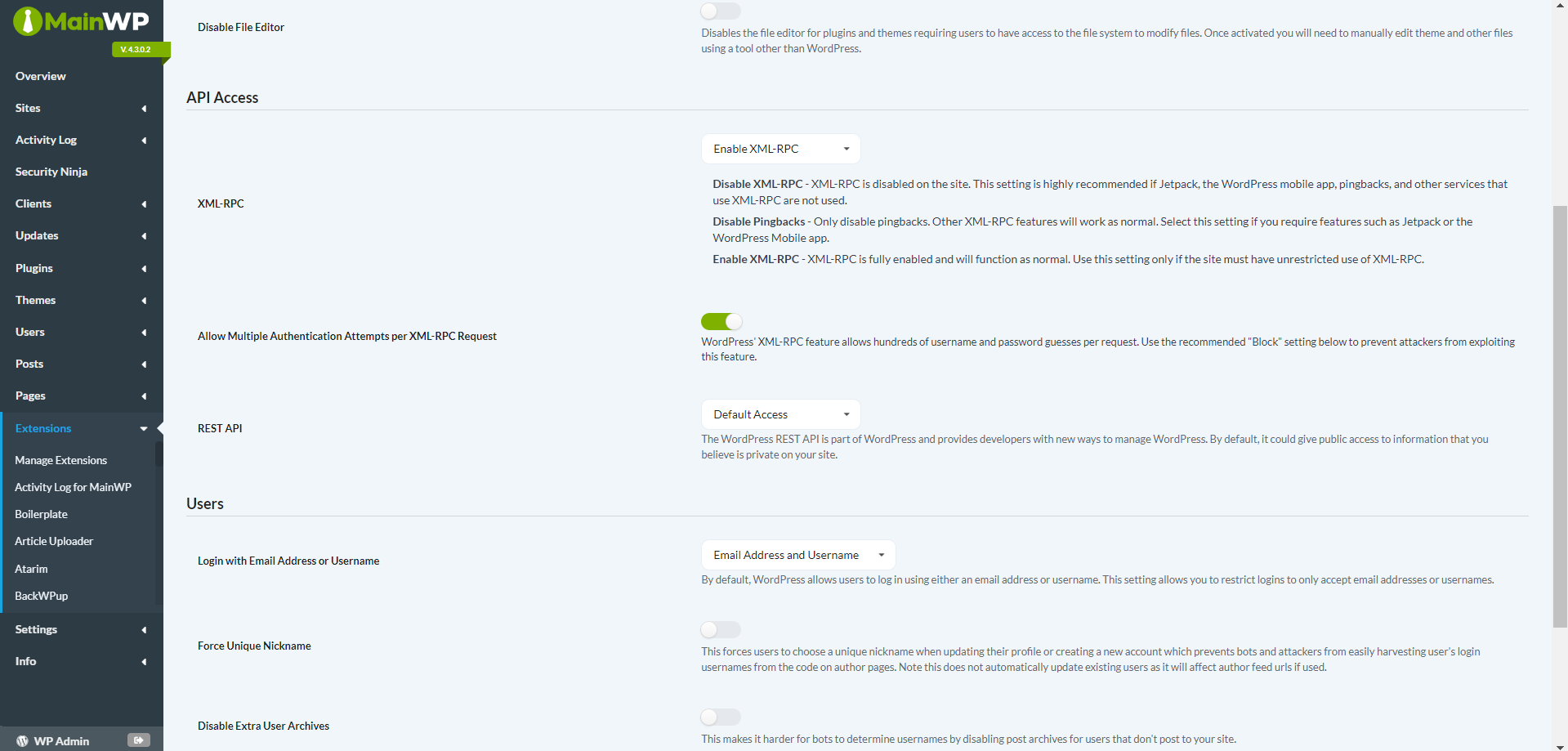

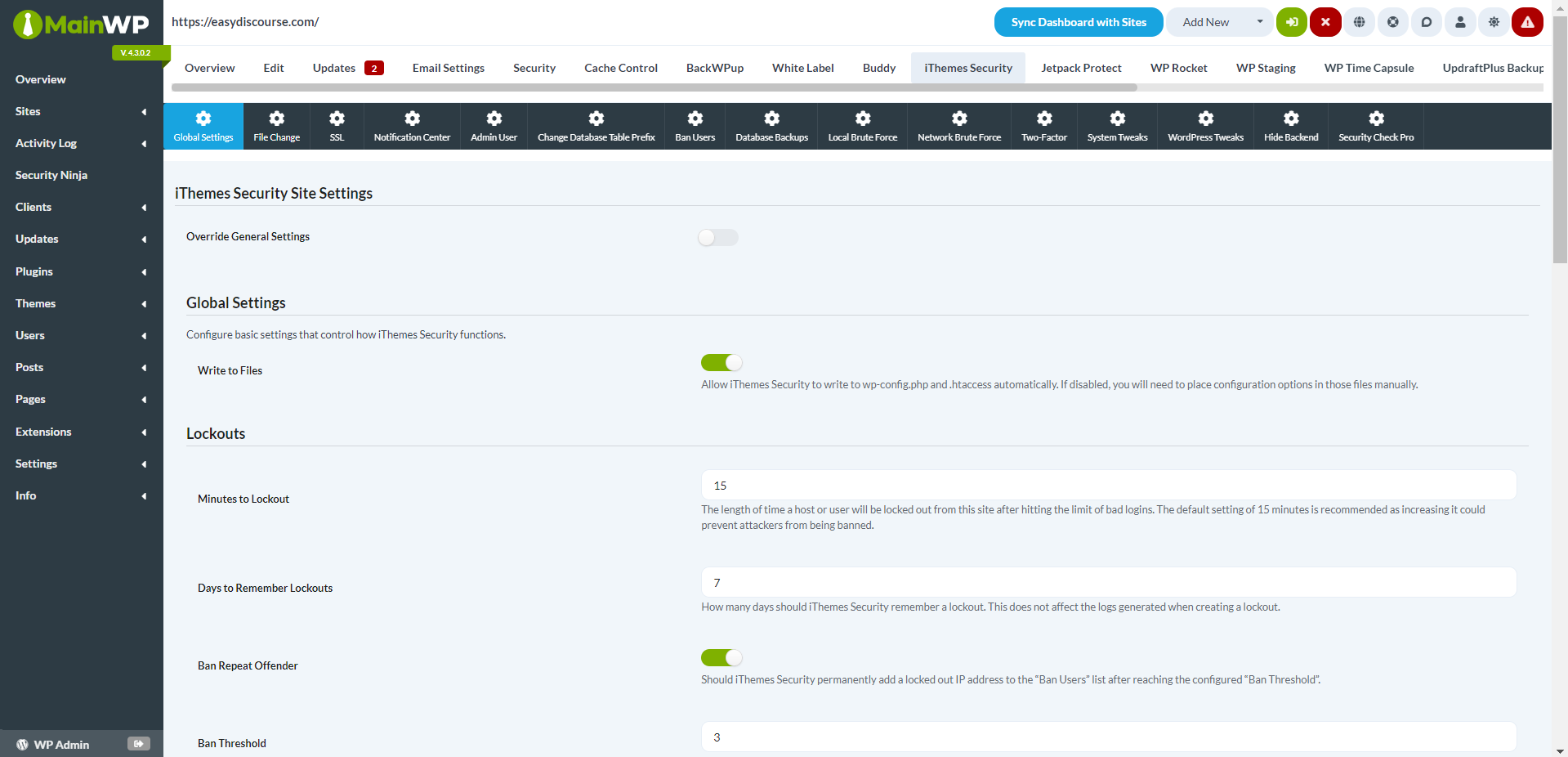
Enhance the security with the MainWP Solid Security Extension.
This powerful tool lets you oversee, monitor, and adjust security settings across all your Child sites from one centralized Dashboard.
Why WordPress Security Matters
As a web developer, ensuring the security of your WordPress sites is vital. Managing security configurations across multiple client sites can be challenging and time-consuming. The MainWP Solid Security Extension makes this easier by integrating with your MainWP Dashboard and the widely-used Solid Security plugin, which protects over 900,000 websites.
Extensive Security Features
Control the security of your Child sites with the MainWP Solid Security Extension. This tool allows you to:
* Quickly update, activate, and deactivate the Solid Security plugin across your network
* Apply Solid Security settings globally or fine-tune them for individual Child sites
* Handle a broad array of Solid Security features, including Global Settings, 404 Detection, Away Mode, Banned Users, Brute Force Protection, Database Backups, File Change Detection, Hide Login Area, Malware Scanning, SSL, Strong Password Enforcement, System Tweaks, WordPress Tweaks, Admin User Management, and Database Prefix Settings
Immediate Security Monitoring
The Solid Security overview widget, added to each Child site’s Dashboard by the MainWP Solid Security Extension, provides quick updates on your sites’ security status. This enables you to promptly identify any issues and keep track of Solid Active Lockouts, ensuring your sites remain secure.
Centralized Security Management
By centralizing your security management with the MainWP Solid Security Extension, you can save time and reduce the risk of security breaches. This straightforward tool allows you to implement security measures from one accessible location.
Simple Setup and Operation
The MainWP Solid Security Extension is designed for ease of installation and operation. Its clear interface allows for quick navigation and management of security settings, making it indispensable for any web developer looking to improve their workflow.
Enhance Your WordPress Security
Don’t leave your WordPress sites vulnerable to threats. Installing the MainWP Solid Security Extension with MainWP Pro lets you know your sites are secure.
FAQ for MainWP Solid Security Extension
Is the Solid Security plugin necessary on Child sites for the MainWP Solid Security Extension to work?
Yes, the MainWP Solid Security Extension requires the Solid Security plugin to be installed on each Child site you manage through the MainWP Dashboard.
Can I adjust security settings for individual Child sites with the MainWP Solid Security Extension?
Yes, the MainWP Solid Security Extension allows you to modify security settings globally for all your Child sites or individually, giving you complete control over your WordPress security.
Does the MainWP Solid Security Extension provide immediate security monitoring?
Yes, the Solid Security overview widget, incorporated into each Child site’s Dashboard by the MainWP Solid Security Extension, offers immediate insights into your sites’ security status, enabling you to quickly address any potential issues.
Is the MainWP Solid Security Extension user-friendly to set up and operate?
Yes, the MainWP Solid Security Extension is crafted for simplicity, featuring an intuitive interface that eases the navigation and management of your security settings, suitable for users with basic technical skills.