
MainWP Custom Dashboard Extension
Change how your MainWP Dashboard looks and works with PHP, CSS and JavaScript snippets in one editor.

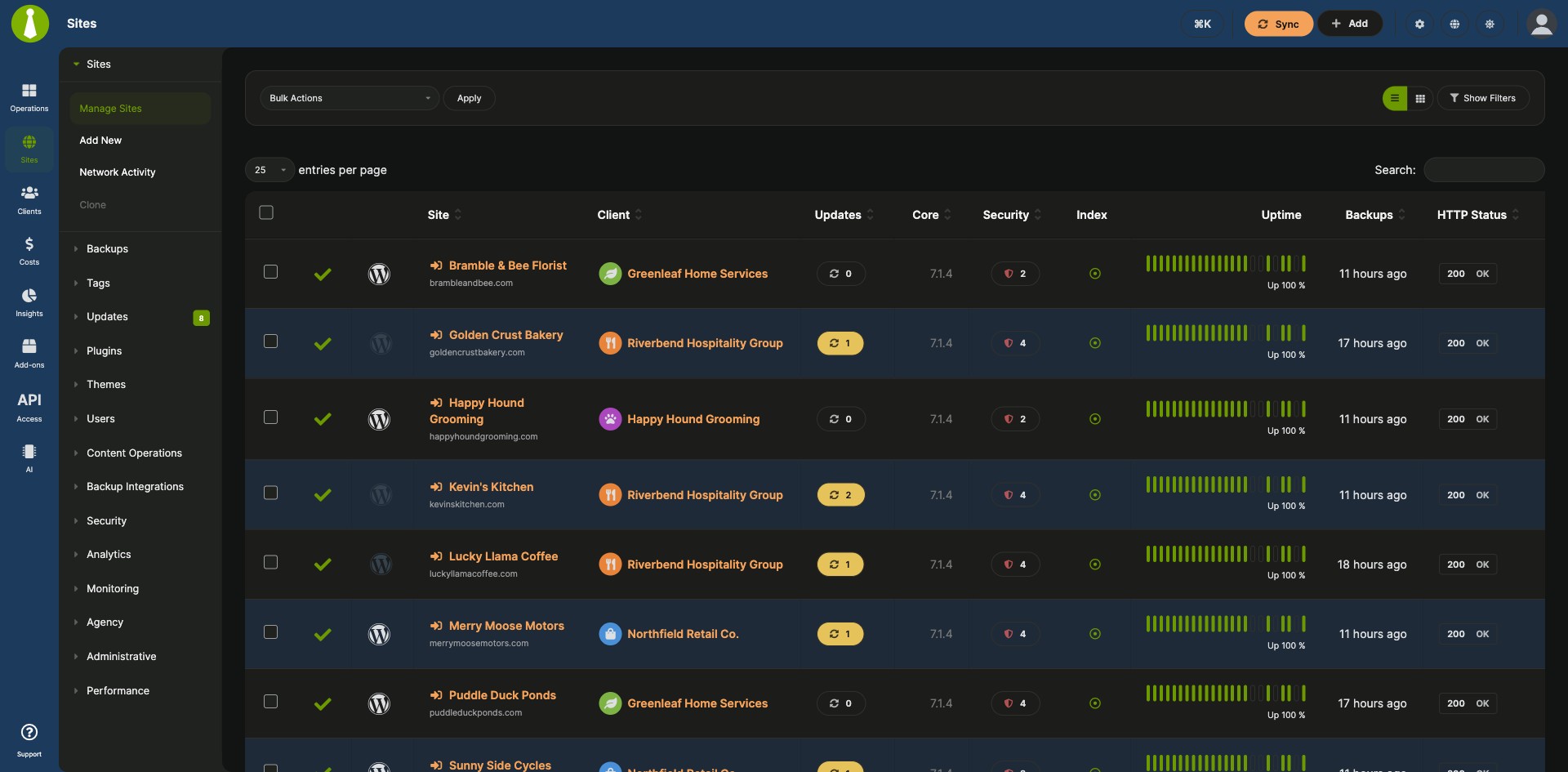
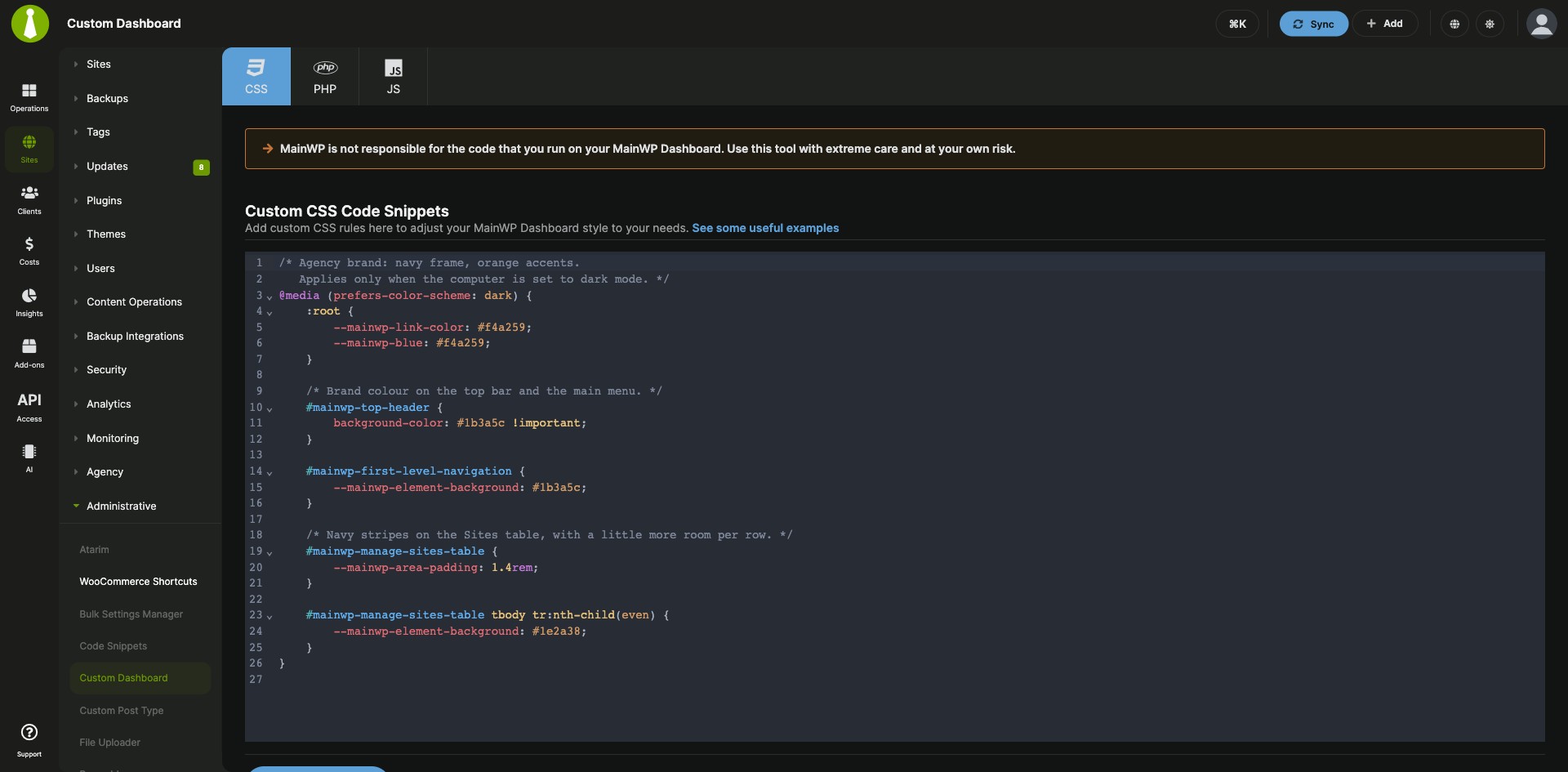
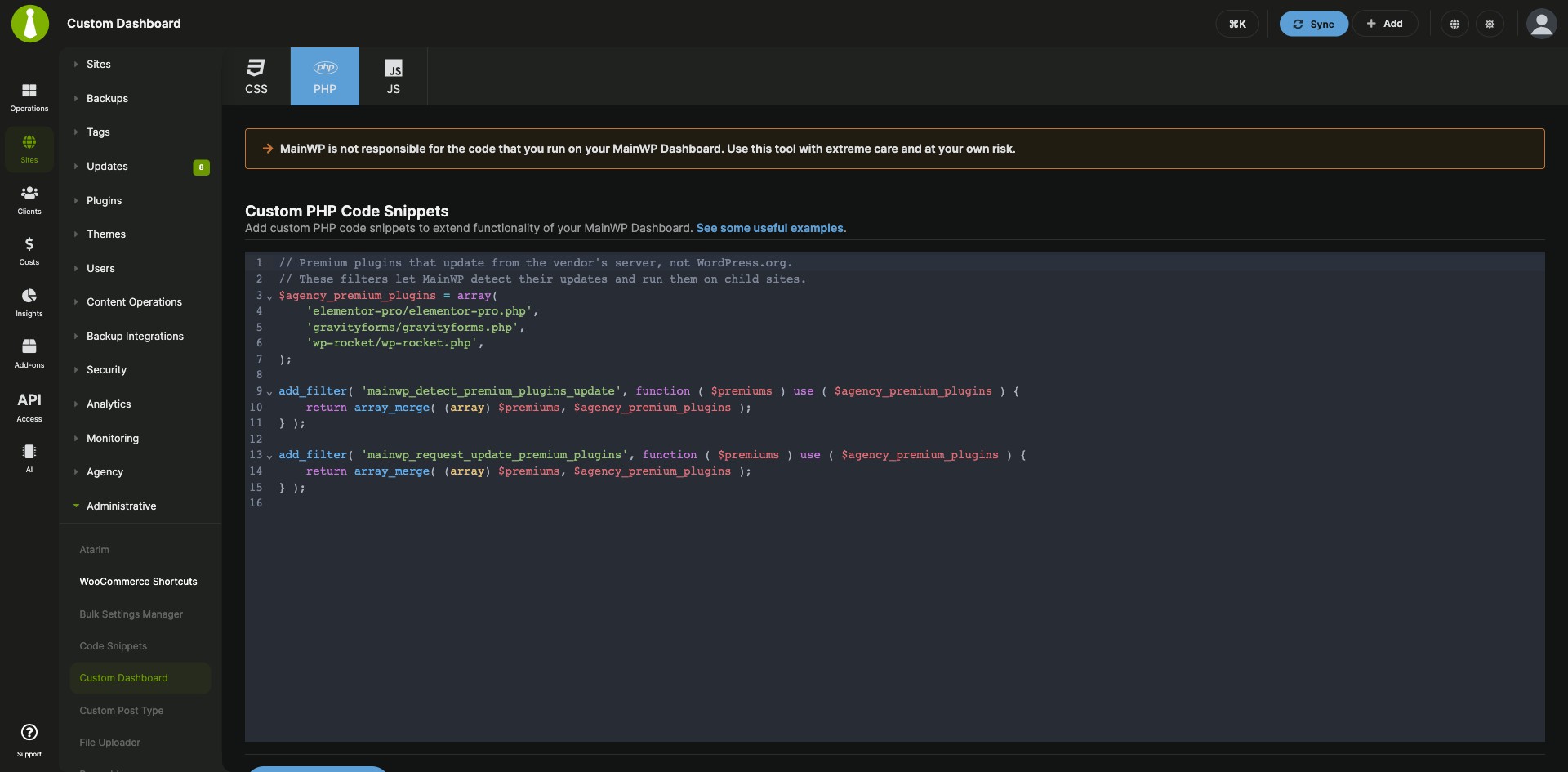

Keep your own PHP, CSS and JavaScript tweaks in one editor
The MainWP Custom Dashboard Extension is a free MainWP add-on that lets you change how your MainWP Dashboard looks and works with your own PHP, CSS and JavaScript snippets, kept in one place. You write them in a built-in code editor, and they stay in place when you update the MainWP Dashboard plugin.
Where Dashboard tweaks usually end up
Dashboard tweaks tend to live in separate PHP, CSS or JS files uploaded over FTP, or in edits that a MainWP Dashboard update can overwrite. The MainWP Custom Dashboard Extension keeps all of them in one location, apart from the plugin’s files, so you update the Dashboard plugin with your changes intact and can switch your custom code off when you troubleshoot.
Features
The MainWP Custom Dashboard Extension pairs a code editor with checks that catch PHP problems before and after you save.
| Feature | What it means for you |
|---|---|
| PHP, CSS and JS editors | Switch between the PHP, CSS and JS tabs at the top of the page. Each language is saved on its own. |
| CodeMirror 6 code editor | Write code with syntax highlighting, the One Dark theme, autocompletion, automatic bracket closing, code folding and natural Tab indentation. |
| PHP check before saving | Each PHP snippet is parsed before it is saved, without running it. Malformed code, PHP opening and closing tags, and top-level namespace, declare and use statements come back with a validation message so you can fix them first. |
| Error recovery | If a saved PHP snippet causes a parse or compile fatal error, a recovery message links to Go to fix the snippet, which opens the PHP editor with snippets skipped for that request. Other exceptions a snippet throws are caught and logged, and the page keeps loading. |
| Save conflict protection | If another user, browser tab or API request changed the snippet after you opened the editor, version 5.2 and later stops the save and keeps your draft in the editor so you can combine the changes. |
| Abilities API | Version 5.2 adds four MainWP abilities: read snippet status without returning the saved code, validate proposed PHP, and preview or apply replacements and removals for PHP, CSS and JavaScript. Changes need the current snippet revision and explicit confirmation. |
| Example snippets | Start from the CSS, PHP and JS examples in the MainWP GitHub repository. |
Requirements
The MainWP Custom Dashboard Extension goes on your MainWP Dashboard site, and that site is the only one its snippets change.
| Item | Requirement |
|---|---|
| License | Free, included in MainWP Essentials and MainWP Pro |
| MainWP Dashboard | The extension installed and activated on your MainWP Dashboard site. No third-party plugins are needed. |
| Child sites | Nothing to install. Snippets apply to your Dashboard site. |
| Abilities API (optional) | WordPress 6.9 or later on your Dashboard site and a MainWP Dashboard version with Abilities API support |
Setup: add a snippet, handle a save conflict
Adding code with the MainWP Custom Dashboard Extension takes four steps, and a save conflict takes three more.
Add your first snippet
- Install and activate the extension on your MainWP Dashboard.
- Go to Add-ons > Administrative > Custom Dashboard.
- Pick the PHP, CSS or JS tab and write your code. Leave out the
<?phpand?>tags in PHP snippets. - Click Save Changes. If the editor shows a validation message, fix the code and save again.
Resolve a save conflict
- Copy your draft somewhere safe first, because reloading replaces it with the latest saved snippet.
- Reload the editor, compare the saved snippet with your draft, and combine the changes you want to keep.
- Save again from the refreshed editor.
Full instructions, PHP snippet rules and the abilities reference: Custom Dashboard documentation.
Where snippets are stored and when they run
The MainWP Custom Dashboard Extension saves your snippets in WordPress options on your MainWP Dashboard site instead of separate code files. CSS and JS snippets load inline on MainWP admin pages other than child site tabs, and other WordPress admin pages and the front end stay as they are. PHP snippets run during WordPress initialization on every request to your Dashboard site, so use conditions or hooks to limit a snippet to a specific context.
Custom Dashboard FAQ
Can I use the Custom Dashboard Extension to add code to my child sites?
The MainWP Custom Dashboard Extension applies code to your MainWP Dashboard site. To run code snippets on child sites, use the MainWP Code Snippets Extension.
Will updating the MainWP Dashboard plugin remove my customizations?
Your snippets stay in place when you update the MainWP Dashboard plugin, because the MainWP Custom Dashboard Extension keeps them in WordPress options on your Dashboard site, apart from the plugin’s files.
What happens if my PHP snippet has an error?
The MainWP Custom Dashboard Extension checks PHP syntax before it saves and returns malformed snippets with a validation message. If a saved snippet still causes a parse or compile fatal error, a recovery message appears with a Go to fix the snippet link that opens the PHP editor with snippets skipped. The check covers syntax, so test how the code behaves yourself.