

MainWP Solid Backups Extension
Soild Security Extension for your MainWP Dashboard.

Centralized Control for Solid Backup Users
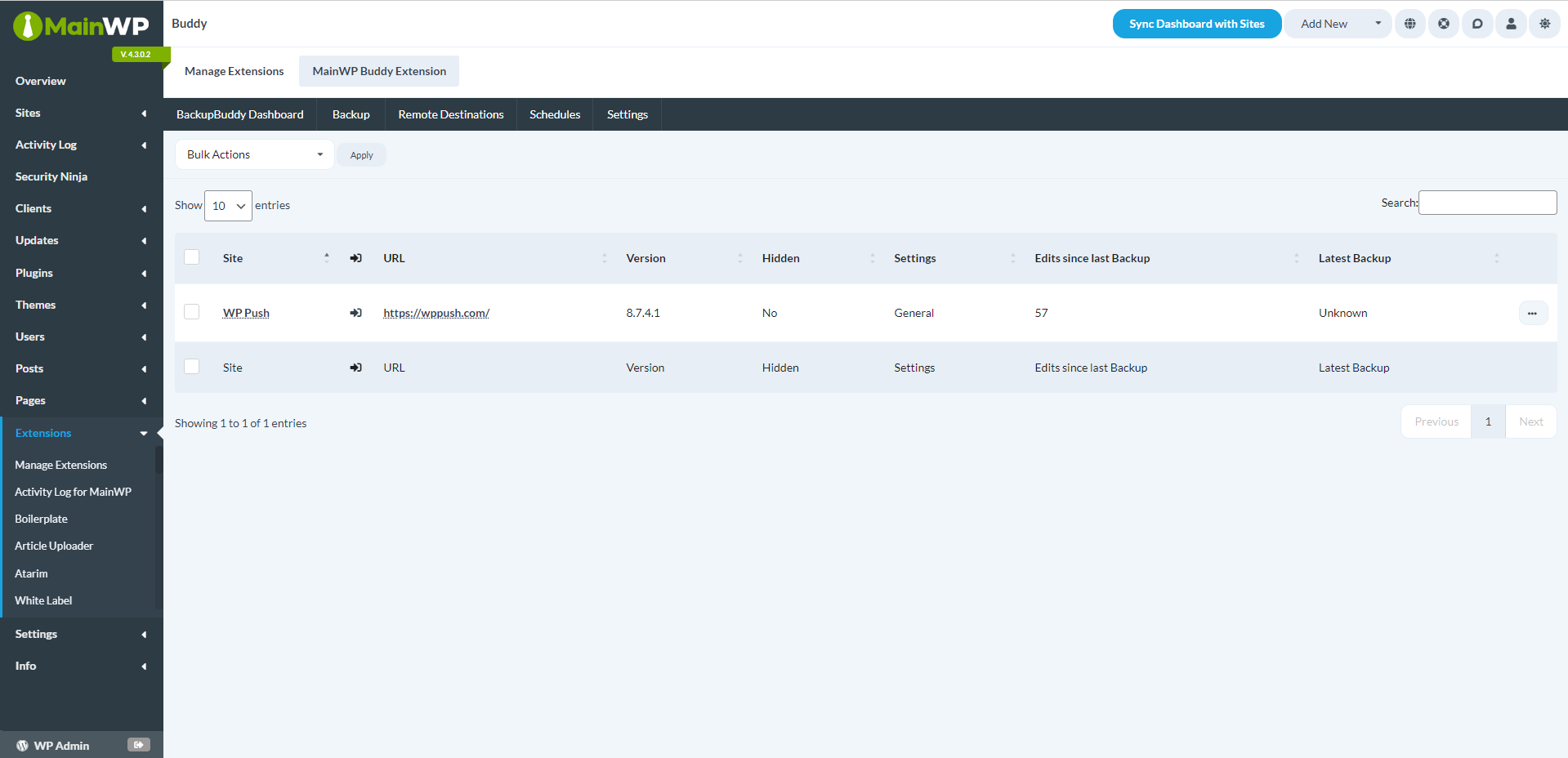
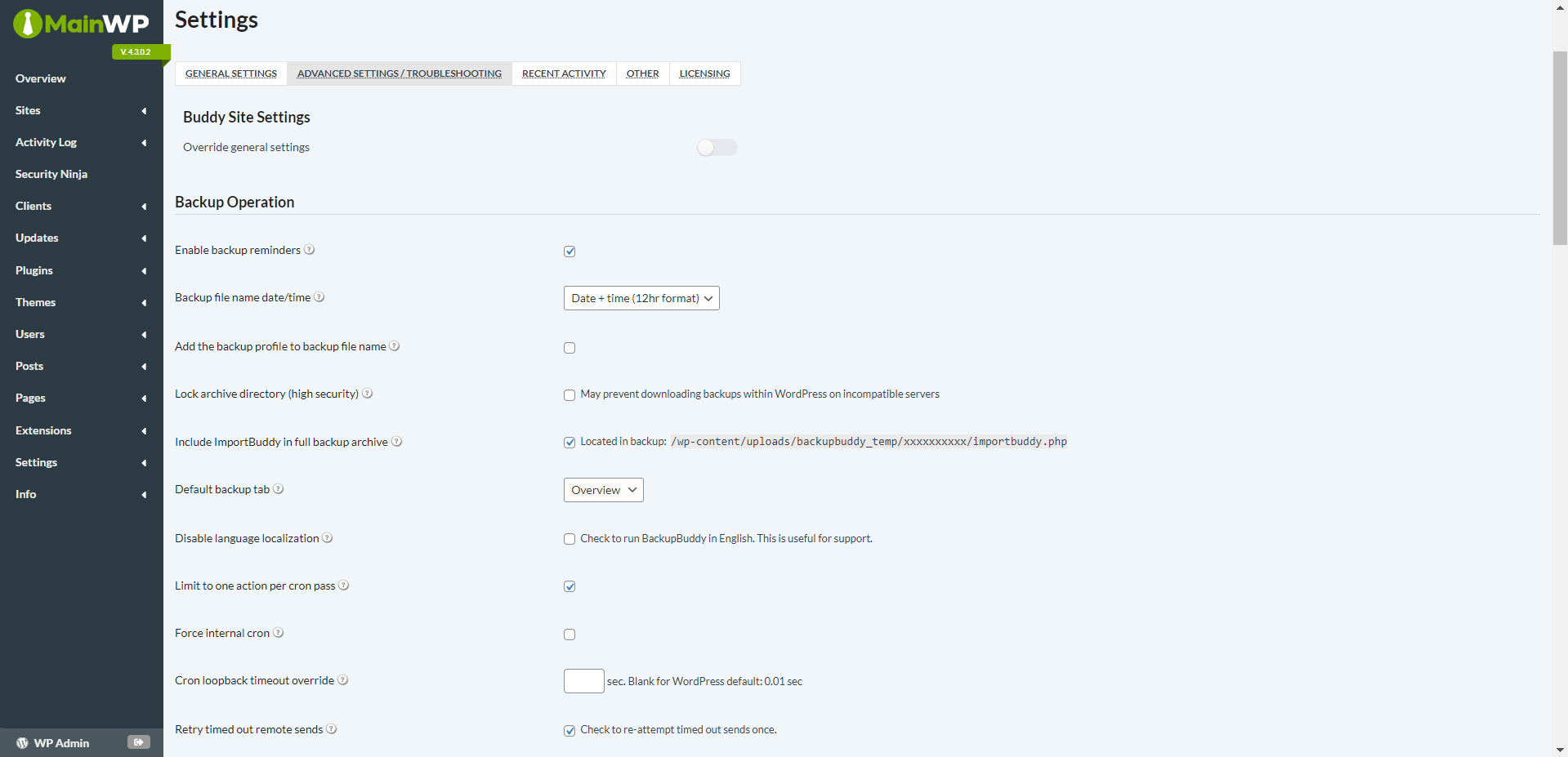
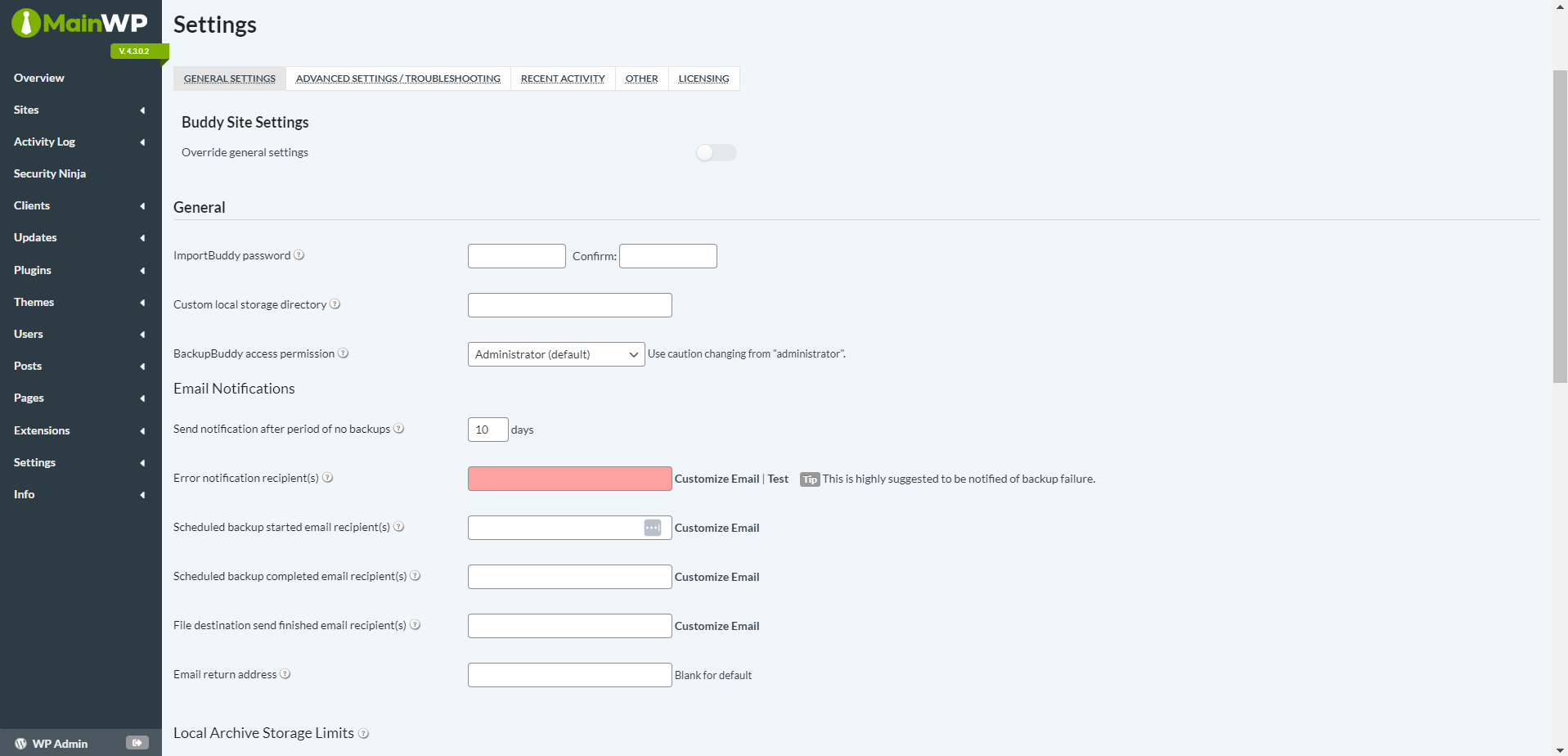
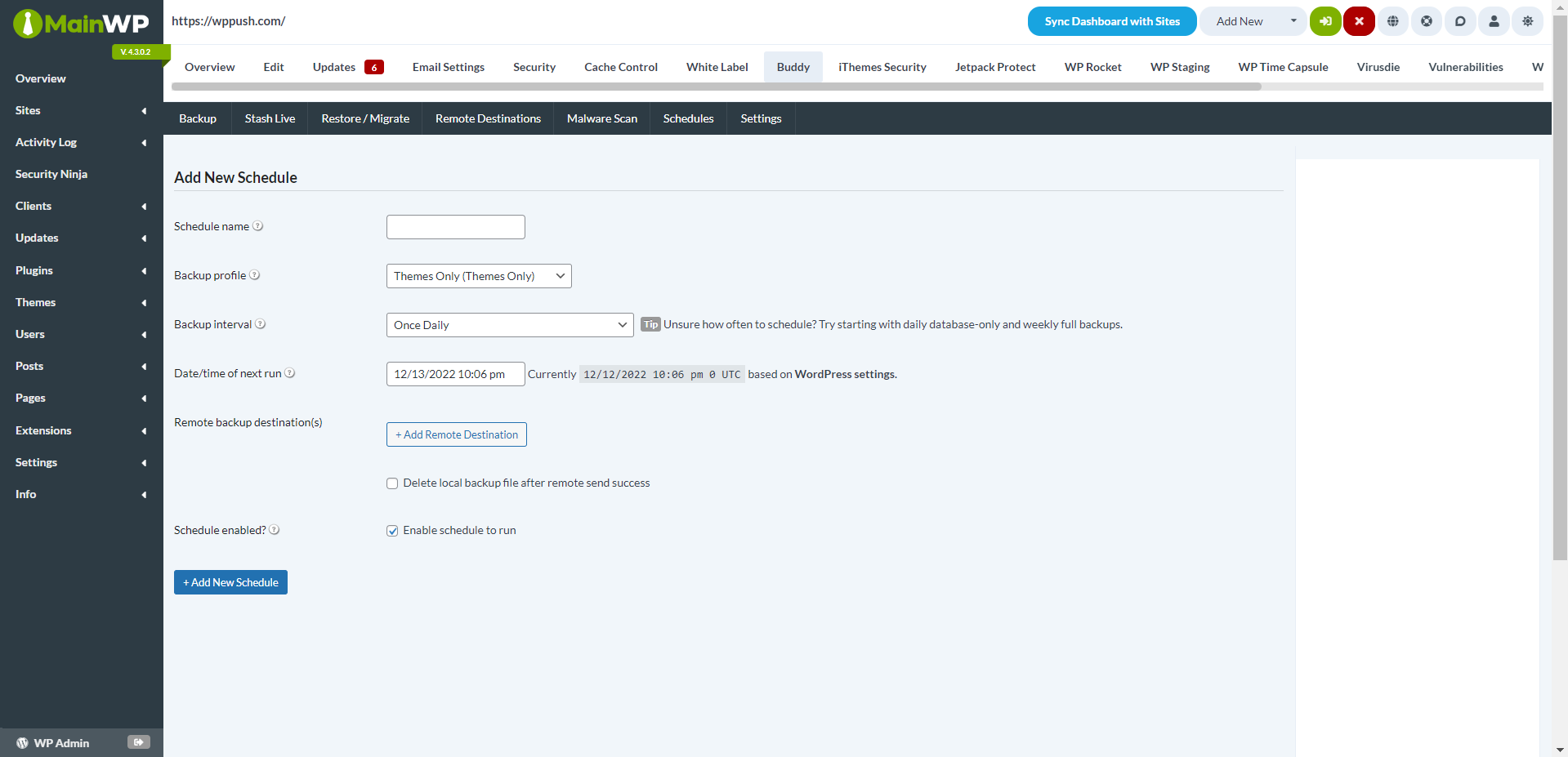
With the MainWP Solid Backups Extension, you can control the Solid Backups Plugin settings for all your Child sites directly from your MainWP Dashboard. This includes giving you the ability to create your Child site backups and even set Backup schedules.
The Challenges of Managing Multiple Solid Backups Installations
Managing backups for multiple client sites is crucial for any WordPress professional, but it can also be incredibly time-consuming. Switching between various Dashboards to adjust settings and schedules for each site is hardly anyone’s idea of a good time.
Enter the MainWP Solid Backups Extension, your new best friend for saving time. This robust tool lets you oversee all your Solid Backups installations from your MainWP Dashboard. Finally, you have the centralized control you need!
Why MainWP Solid Backups Extension is the Right Choice
- Centralized Control: All your Solid Backups settings are manageable from one spot—your MainWP Dashboard. Say goodbye to site-hopping!
- Simple Backups: Set up, schedule, and manage backups for all your Child sites from a single point of access.
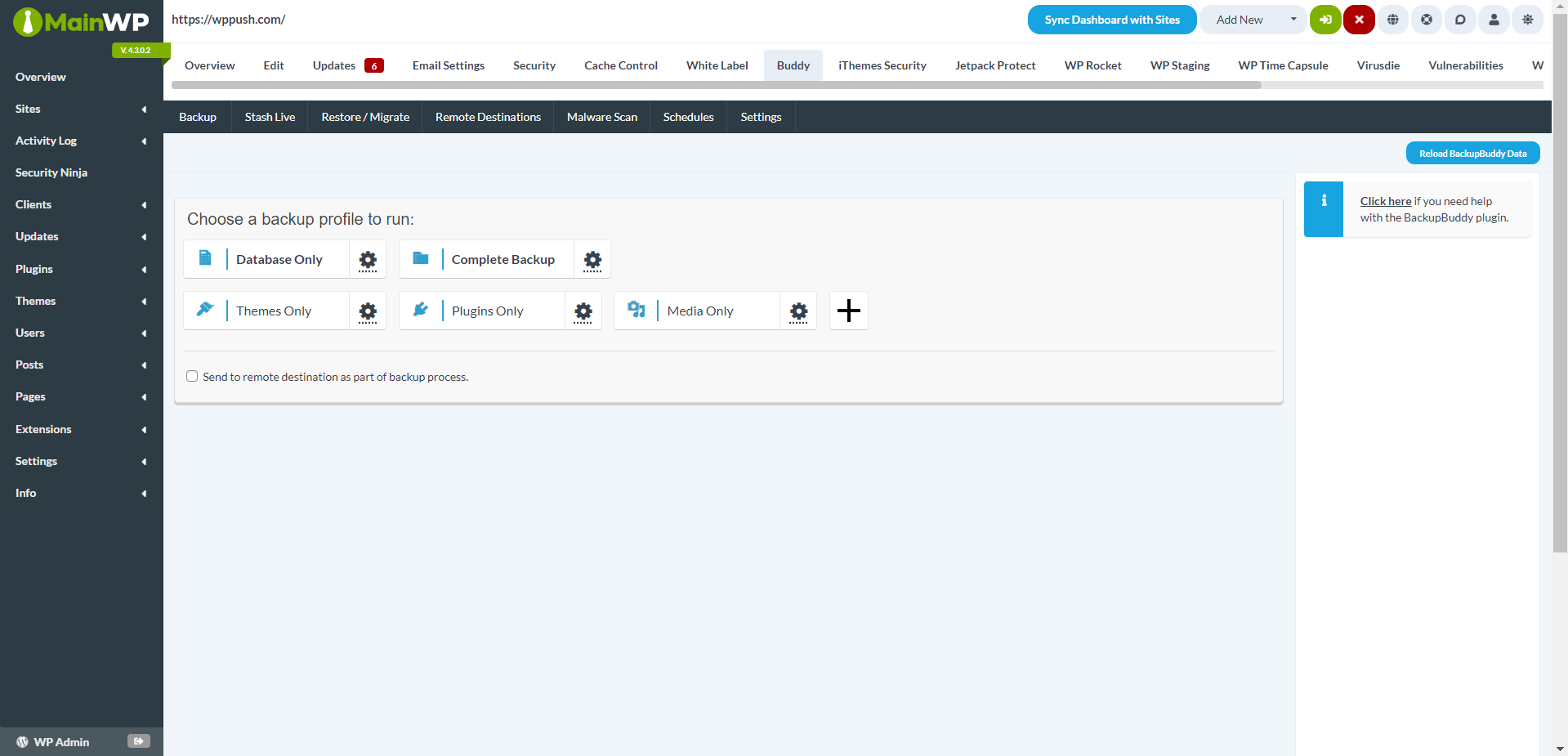
- Flexibility: Customize your backup approach to meet the specific needs of each site. Choose from full backups, database-only backups, or file-only backups as needed.
- Automation: Automate your backup processes. Set schedules for hourly, daily, weekly, or monthly backups.
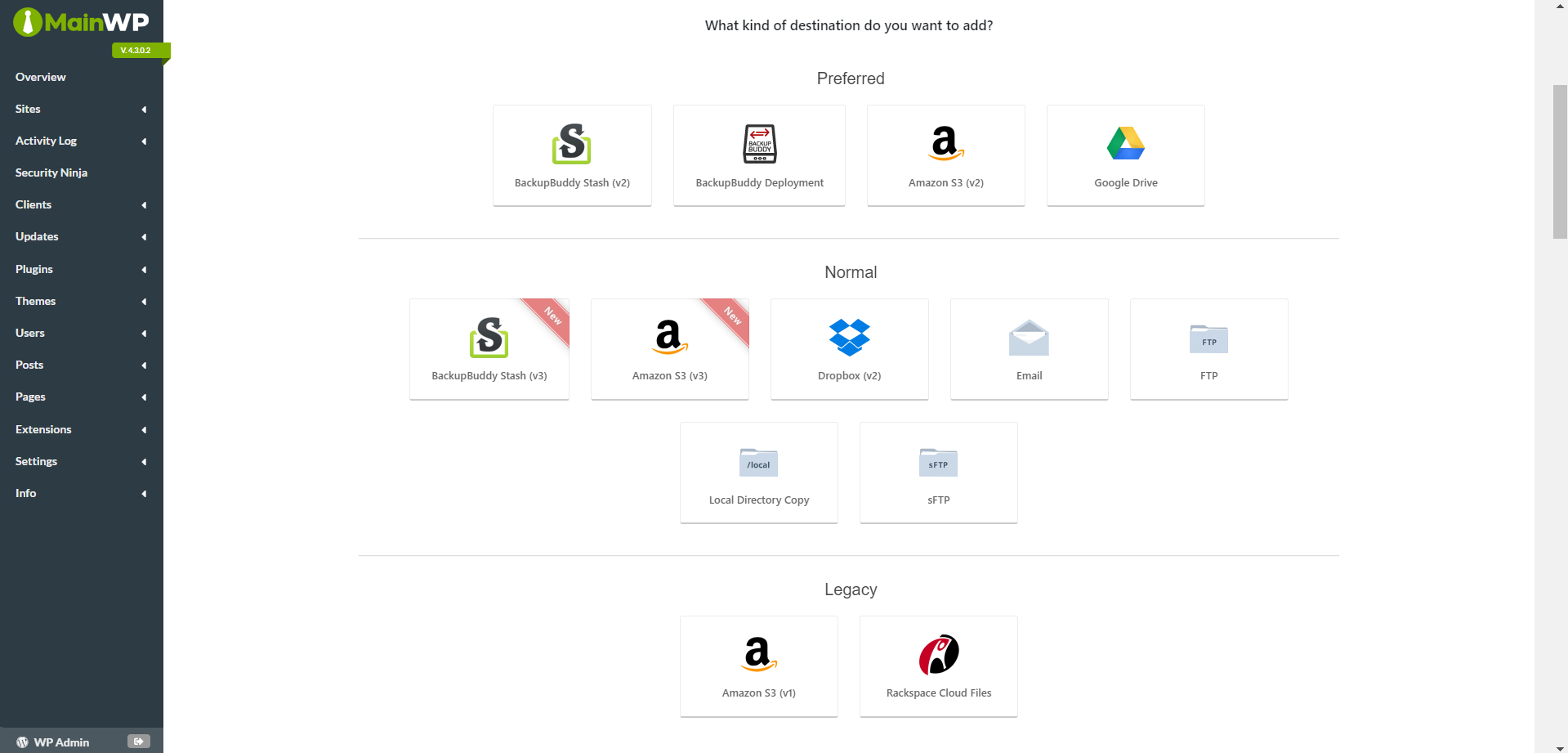
- Off-site Storage: Ensure your backups are safe by automatically transferring them to remote storage solutions like Solid Backups Stash, Amazon S3, Google Drive, or Dropbox.
- Peace of Mind: Get email alerts about the status of your backups or any issues that arise.
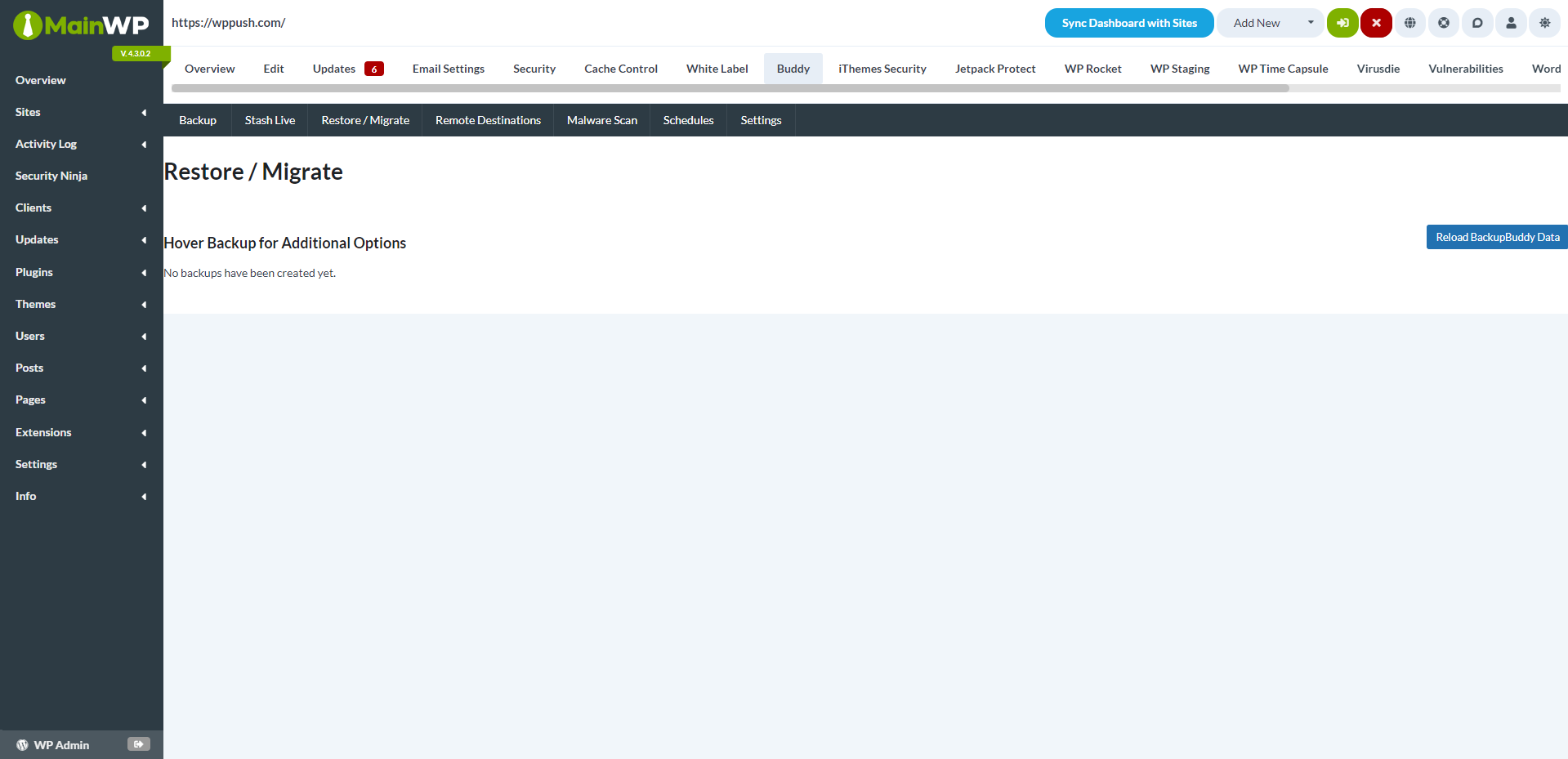
- Easy Restoration: Use the integrated ImportBuddy tool to restore or migrate your WordPress sites smoothly.
- Granular Control: Whether you need to restore a single file or roll back your database, MainWP Solid Backups Extension provides the precision you need.
Flexible Backup Options to Suit Your Needs
The MainWP Solid Backups Extension offers you the flexibility to perform the backups that your sites require. Whether it’s database-only, files-only, or complete backups, set up custom backup profiles for each site. Once a backup is complete, you can download the zip file straight from your MainWP Dashboard.
Automate Your Backup Schedule
Configure automatic backups and let the MainWP Solid Backups Extension take over. Choose from various schedules to keep your sites protected continuously. Apply the same schedule across all sites or customize them individually.
Secure Off-site Storage for Added Protection
The MainWP Solid Backups Extension ensures your backups are secure by automatically sending them to remote storage locations. Choose from several options like Solid Backups Stash, Amazon S3, Google Drive, and Dropbox. Manage off-site storage for all your sites from one central point or customize it for individual sites.
Stay Informed with Email Alerts
Stay updated with backup status through email notifications from MainWP Solid Backups Extension. This keeps you informed about the completion of backups or any required actions, ensuring you always have a current and usable backup of your website.
Simplify Site Restoration and Migration
With MainWP Solid Backups Extension, restoring or migrating a WordPress site is straightforward. Configure your ImportBuddy settings directly from your MainWP Dashboard to streamline the process.
Granular Restoration Options
If you need to restore just a single file or roll back your database, MainWP Solid Backups Extension allows you to do so with ease. Access and restore individual text-based files or revert your WordPress database with just a few clicks.
Complete Site Restoration Made Easy
For full WordPress site restoration, including media files, themes, and plugins, MainWP Solid Backups Extension is fully equipped. It also simplifies migrating your site to a new host or domain.
Get Started with MainWP Solid Backups Extension Today
MainWP Solid Backups Extension is designed to make your life as a WordPress professional easier. Reduce the time spent on backup management and focus more on growing your business and serving your clients.
Install the MainWP Solid Backups Extension today and enjoy the benefits of centralized backup management. For a comprehensive suite of features and functionality, consider upgrading to a MainWP Pro subscription.
FAQ for MainWP Solid Backups Extension
Do I need to have Solid Backups installed on my Child sites to use MainWP Solid Backups Extension?
Yes, to manage the Solid Backups plugin settings from your MainWP Dashboard, Solid Backups must be installed and activated on the Child sites you wish to manage.
Can I set different backup schedules for each of my Child sites?
Certainly! While you can set a universal backup schedule for all your sites with MainWP Solid Backups Extension, you also have the option to tailor schedules based on the specific needs of each site.
Is it possible to restore just a single file or database table using MainWP Solid Backups Extension?
Yes, the extension offers detailed restoration options. You can restore individual text-based files or revert your WordPress database as needed, giving you complete control over your site’s restoration process.
Can I store my backups in multiple remote storage locations for added redundancy?
Yes, MainWP Solid Backups Extension supports various remote storage options, including Solid Backups Stash, Amazon S3, Google Drive, and Dropbox. You can configure your Child sites to store backups in multiple locations, ensuring additional security and peace of mind.