
MainWP Blog - Sebastian Moran
Sebastian Moran is a WordPress performance expert and technical liaison for MainWP.
How to Check Debug Log File on WordPress

WordPress debug logs any errors detected on your website. This is a key to finding the source of an error or learning more details about any possible errors on your site. One issue with keeping debugging enabled on a WordPress site is that the debug.log file could grow up to 30GB or more in size resulting in eating up a lot of disk space. This is why it is always recommended to enable debugging only when needed and disable it Continue reading the post...
Useful WordPress Developer Plugins for Your Site
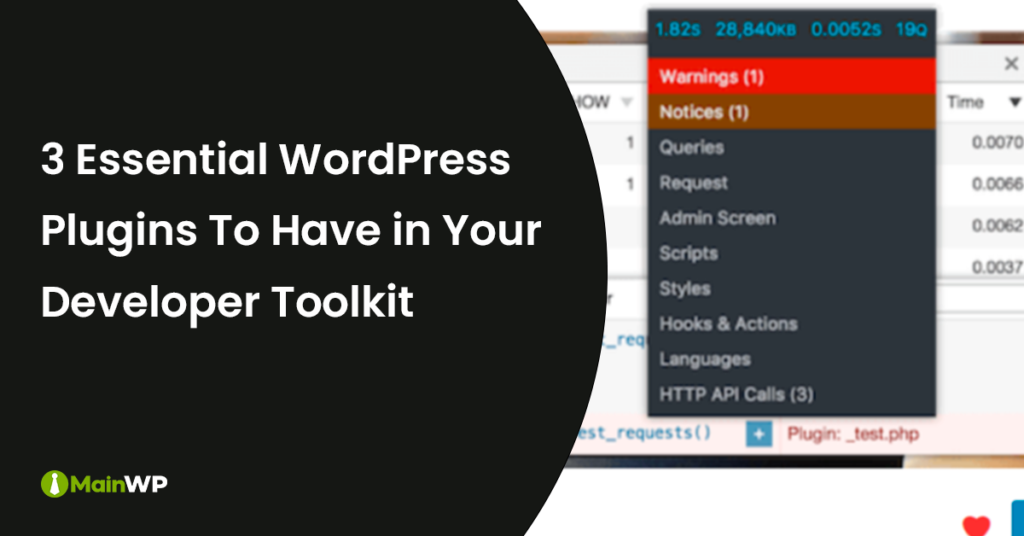
With the massive amount of plugins available for WordPress, it can be hard to know the most useful ones if you are a WordPress developer. 1. WP Crontrol WP Crontrol is a plugin that allows you to see and control the CRON events in wp-admin that are running on your WordPress site. The cron events will be broken down from one native to WordPress core. The CRON events from active plugins on the site would show in the custom cron Continue reading the post...
How to Use the ShortPixel Critical CSS Plugin on Your Site
Generating critical CSS on your site can help improve front-end performance and remove float issues. Being able to generate critical CSS quickly can be painful if handled manually, or the process can be slow if run locally. There is a new stand-alone plugin for critical CSS generation from ShortPixel. After the plugin has been installed and activated on your site, you will need to add the ShortPixel API, which you can grab from your ShortPixel account. The API key and Continue reading the post...
How to Lazyload Background Images in WordPress

A fast loading website is an integral part of building websites nowadays as it may help site visitors stay and explore more. Lazy loading images is one of the techniques which may result in better performance. One of the easy plugins to enable lazyload of background images is called Lazyload Background Images. 1. Lazyload Background Images In the plugin settings, you can also add the selectors for elements that contain background images. By default, the plugin will lazyload background images Continue reading the post...
How to Remove the Broken Link Checker Plugin Data on Your Site
If you are using the Broken Link Checker plugin on your site, it may cause resource and CPU issues on the hosting server. The blc_installation_log option could get as large as 1MB with 50kb of autoloading data if you have many posts on the site. The options values that the Broken Link Checker plugin uses are; wsblc_options blc_activation_enabled blc_installation_log The Broken Link Checker plugin uses the following database tables to store the data; wp_blc_filters wp_blc_instances wp_blc_links wp_blc_synch The database tables Continue reading the post...
How to Remove the SEOPress Plugin Data on Your Site
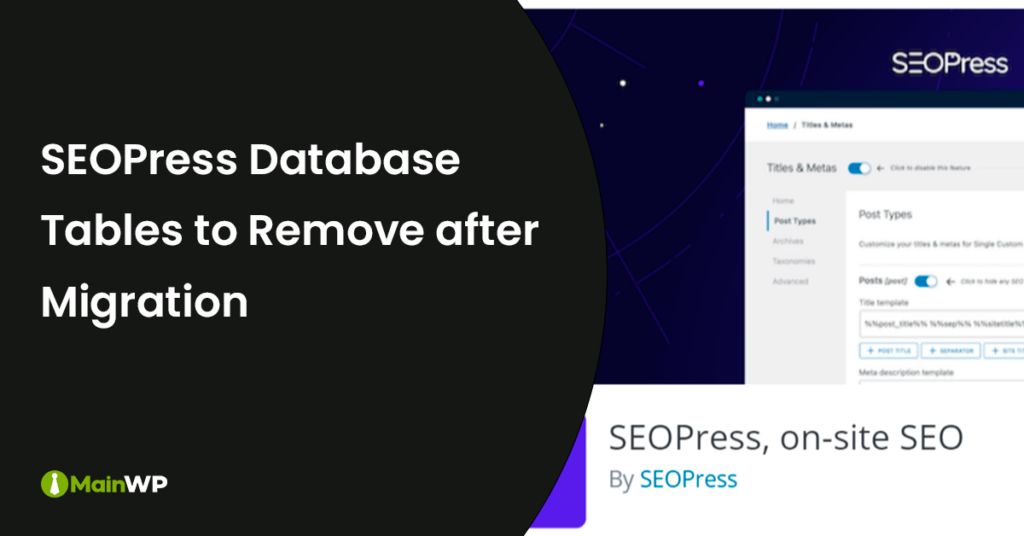
If you are using the SEOPress plugin and want to migrate to a different SEO plugin, you may need to remove the database tables it was using. Before deleting the database tables, make sure that you run the migration from SEOPress to the SEO plugin that you want to replace it with. Here’s the database table that you will need to delete; wp_seopress_significant_keywords Additionally, there will be SEOPress database entries in both the postmeta and options database tables; the entries Continue reading the post...
How to Remove the Code Snippets Plugin Data on Your Site

The Code Snippets plugin is a commonly used plugin for storing code snippets that are not tied to the child themes functions.php file. Code Snippets Plugin for WordPress The Code Snippets plugin will store created code snippets into the below custom database table; wp_snippets Existing code snippets in the plugin can be downloaded as PHP files which you can turn into site-specific plugins or you could add them into the child themes functions.php file. To remove all of the code Continue reading the post...
How to Eliminate Render Blocking Resources on Your Site

The two most common resource types that will cause assets for being render-blocking would be CSS and JavaScript which are being loaded on the front-end of your site. Front-end CSS and JS files would be from active plugins which are loading assets on the front-end as well as the active theme would be loading both CSS files and JavaScript files. Two of the easiest plugins to use that work together to be able to eliminate render-blocking resources on your site Continue reading the post...
How to Optimize Database Usage for the WP Offload SES Plugin
The WP Offload SES plugin is used to send site emails using the cheapest AWS SES service. WP Offload SES Lite Plugin for WordPress Below are the custom database tables that the WP Offload SES plugin uses; wp_oses_attachments wp_oses_clicks wp_oses_email_attachments wp_oses_emails wp_oses_failures wp_oses_jobs The database table to check; wp_oses_emails From the WP Offload SES plugin settings, check that you are not storing 30+ days or email logging in your site’s database. The ideal setting for log storage would be between Continue reading the post...
How to Preload Images on Your WordPress Site

One of the easiest ways to improve front-end performance is to preload the images which contribute to the largest contentful paint (LCP) of the site. To find the images that should be set to preload, test your site using popular performance testing tools, or use the MainWP Lighthouse extension, and navigate to the waterfall results to find the image URL. Head & Footer WordPress Plugin There are a number of ways to preload images by either using a header and Continue reading the post...
Share
Manage Unlimited WordPress Sites from One Dashboard!
- Privacy-first, Open Source, Self-hosted
- Easy Client Management
- 15+ & 30 + Premium Add-ons
- Bulk Plugins & Themes Management