
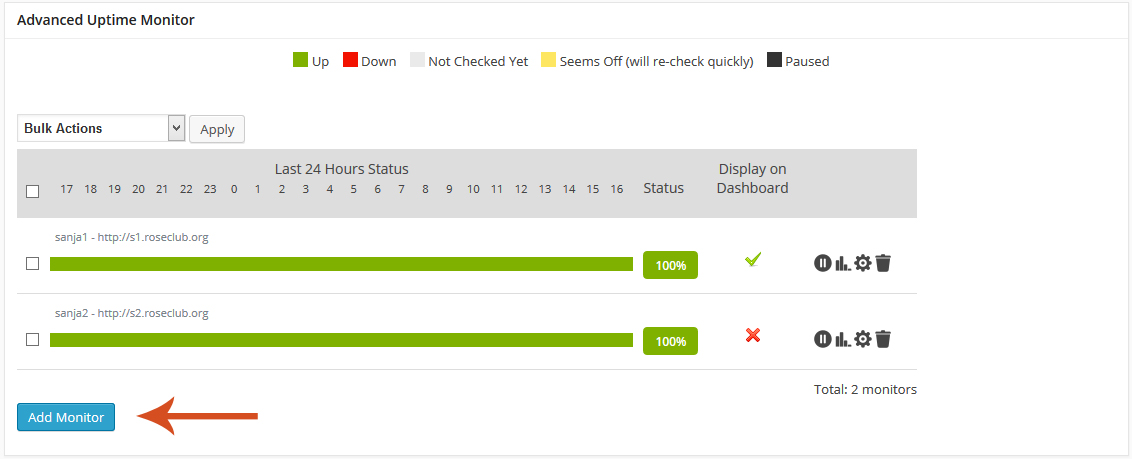
If you want to add your child sites to Advanced Uptime Monitor extension go to MainWP > Extensions > Advanced Uptime Monitor Extension settings page. In the Advanced Uptime Monitor options box click the Add Monitor button:
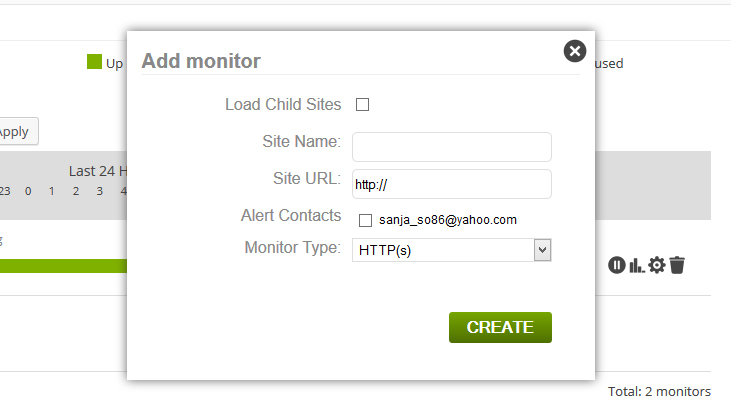
And pop-up window will appear:
When you click Load Child Sites check box, in dropdown menu you will get a list of your child sites:
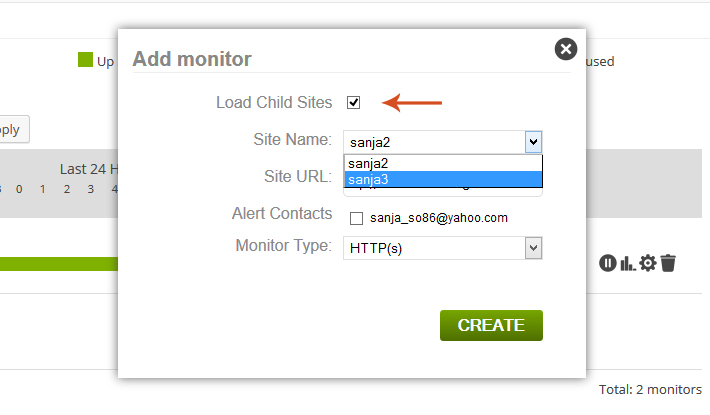 Select wanted child site, select Monitor notification, Monitor type and click the CREATE button. Your child site will be added to the Monitors list.
