

WP Rocket Integration
Powerful WordPress Management & Performance Optimization.





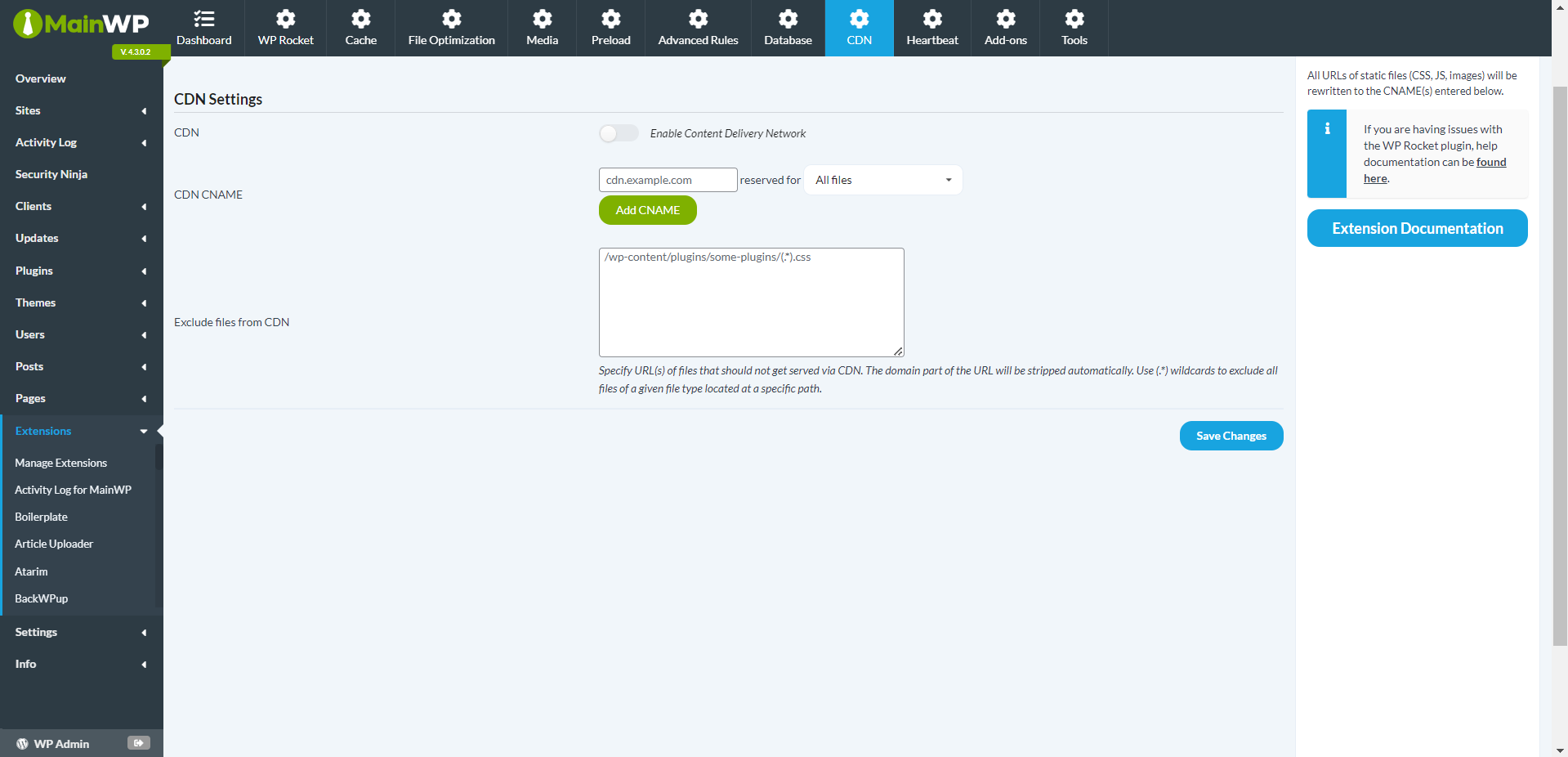
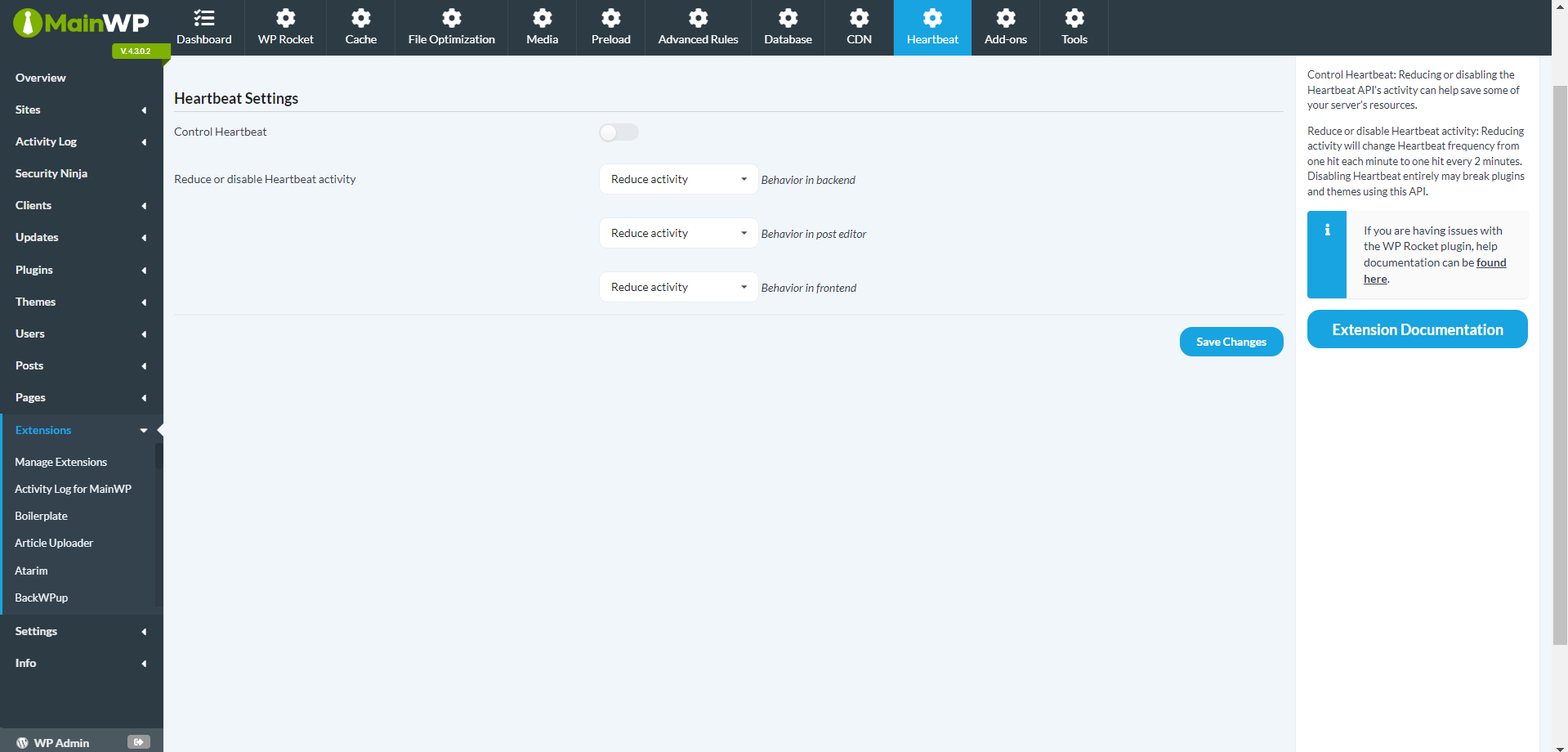

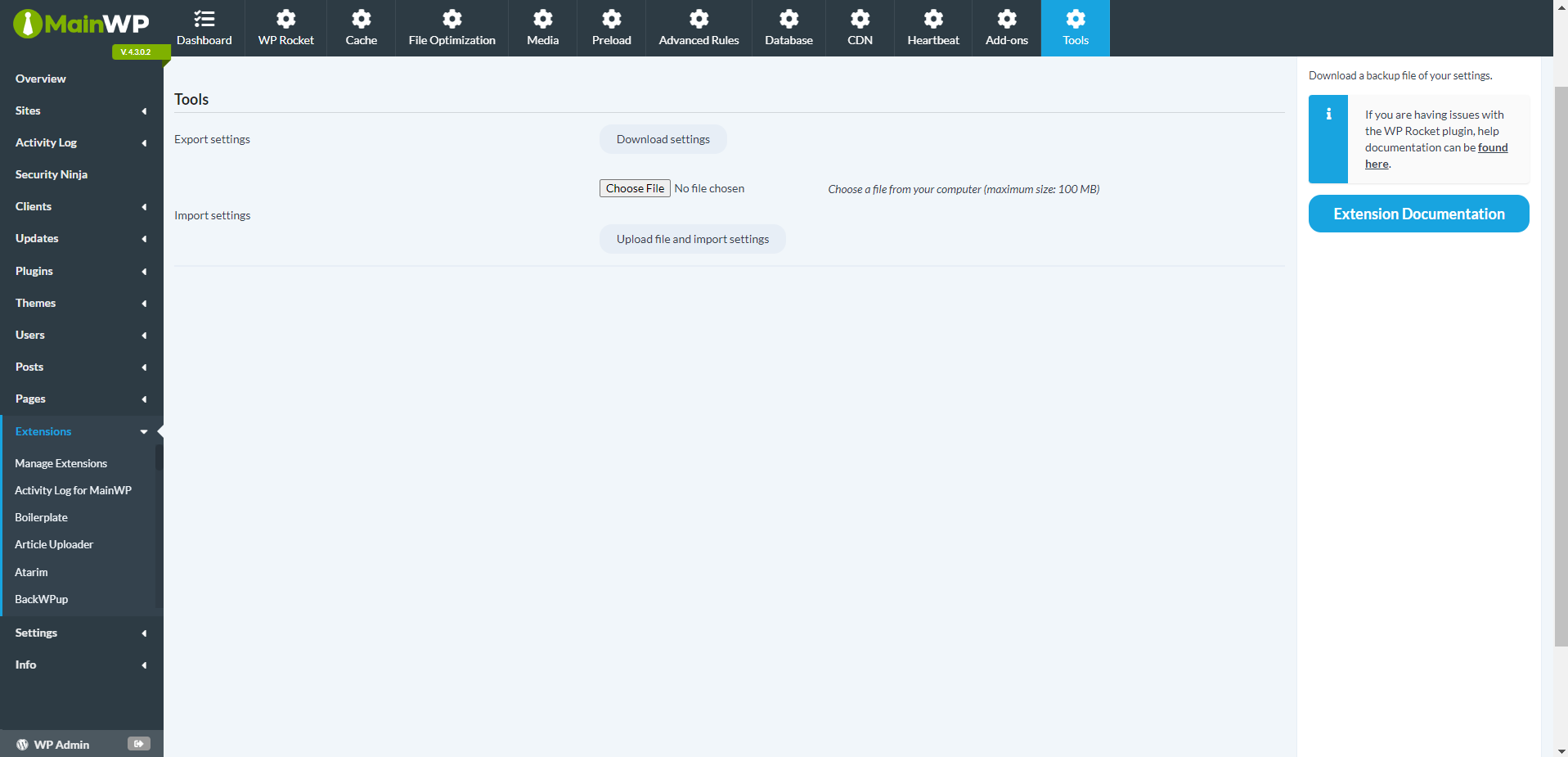
Enhance WordPress Site Management with WP Rocket Integration
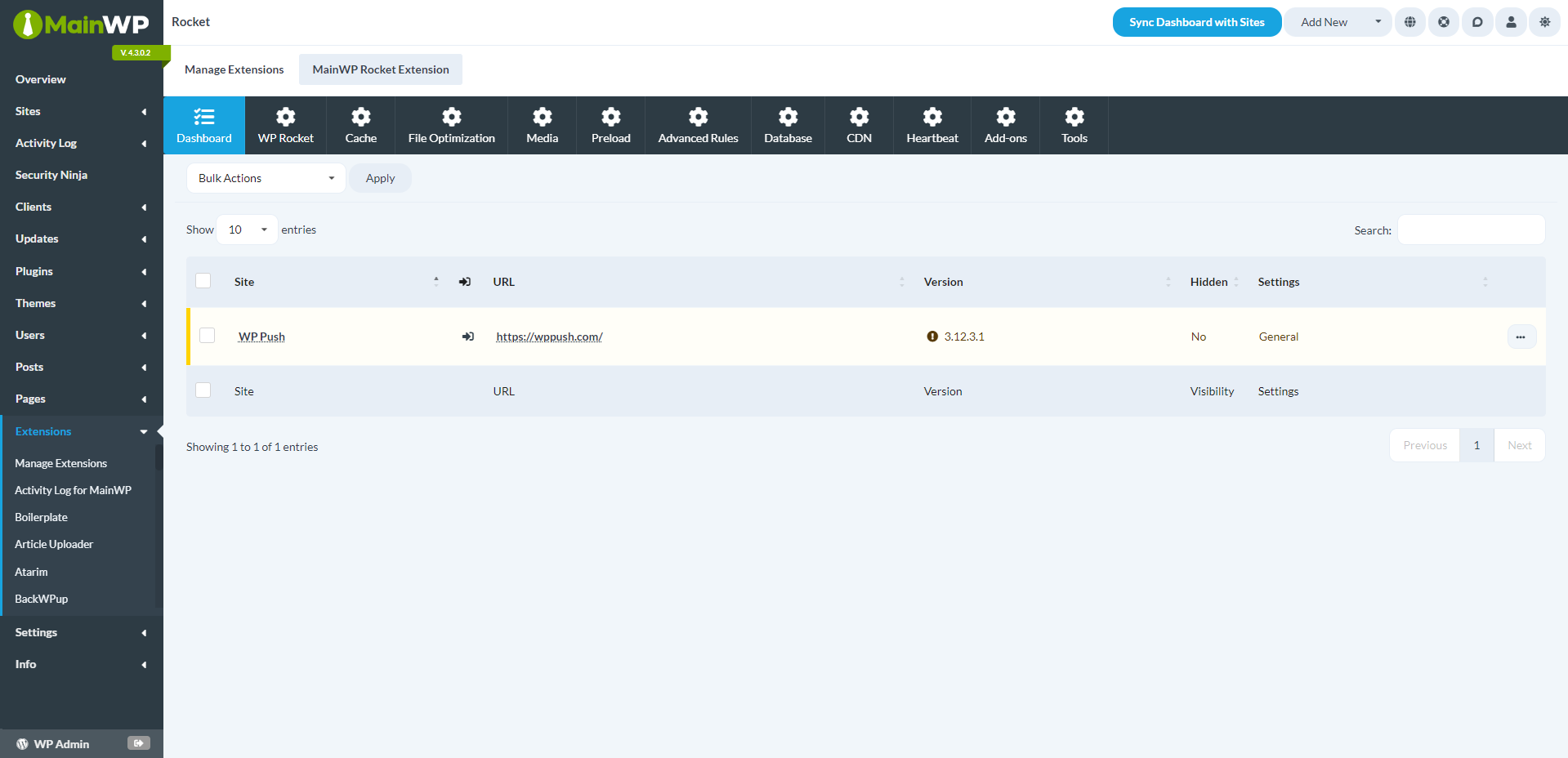
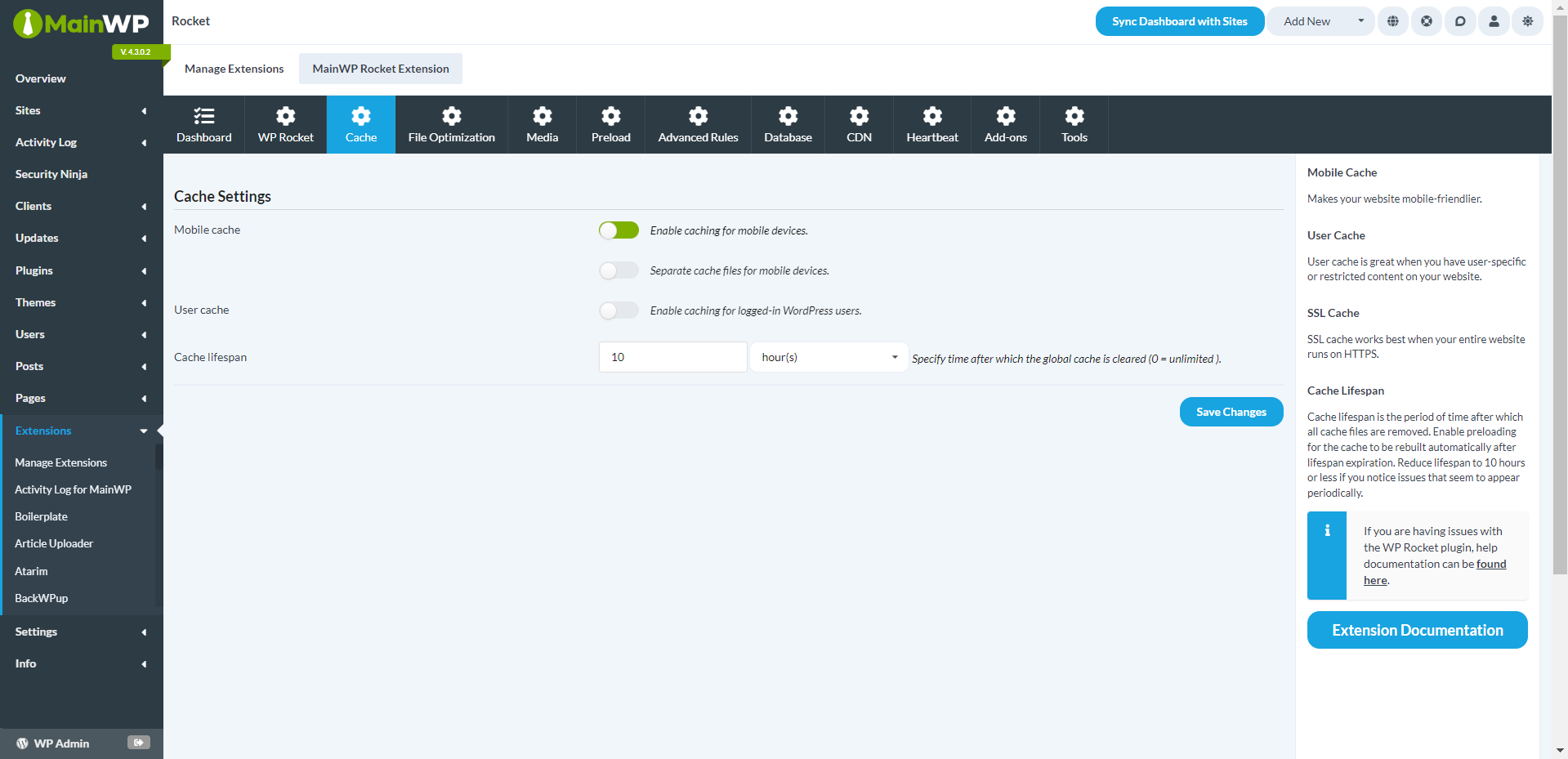
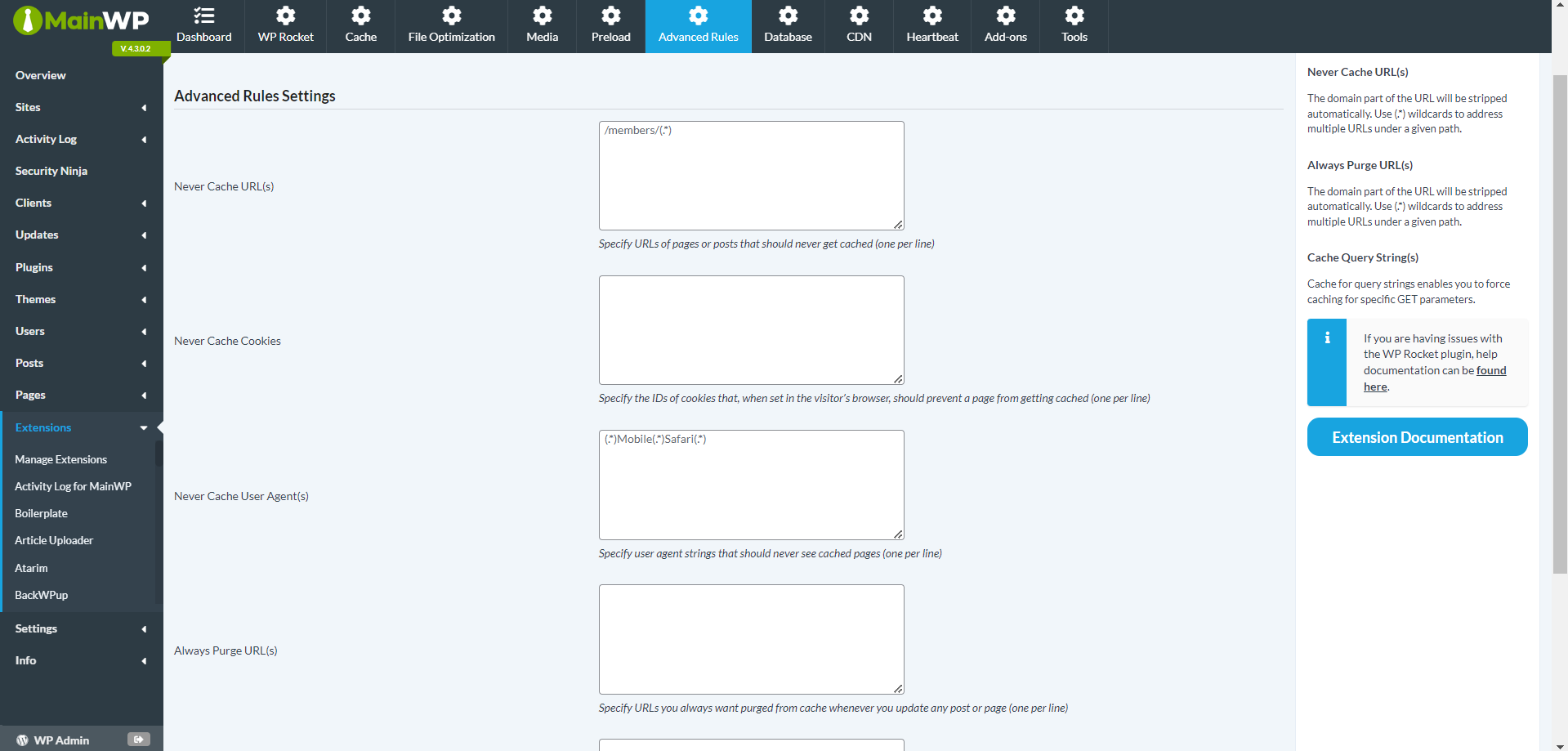
With the WP Rocket Integration, you can control the WP Rocket settings for all your Child sites directly from your MainWP Dashboard. This includes managing your preferences and clearing or pre-loading cache on your Child sites.
Centralized WP Rocket Control from Your MainWP Dashboard
With the WP Rocket Integration, you can adjust WP Rocket settings for all your Child sites directly from your MainWP Dashboard. You can modify preferences, clear cache, or pre-load cache on your Child sites without the need to switch between different sites and settings. Everything is conveniently accessible from one central location.
Enhance Your Website Performance with WP Rocket
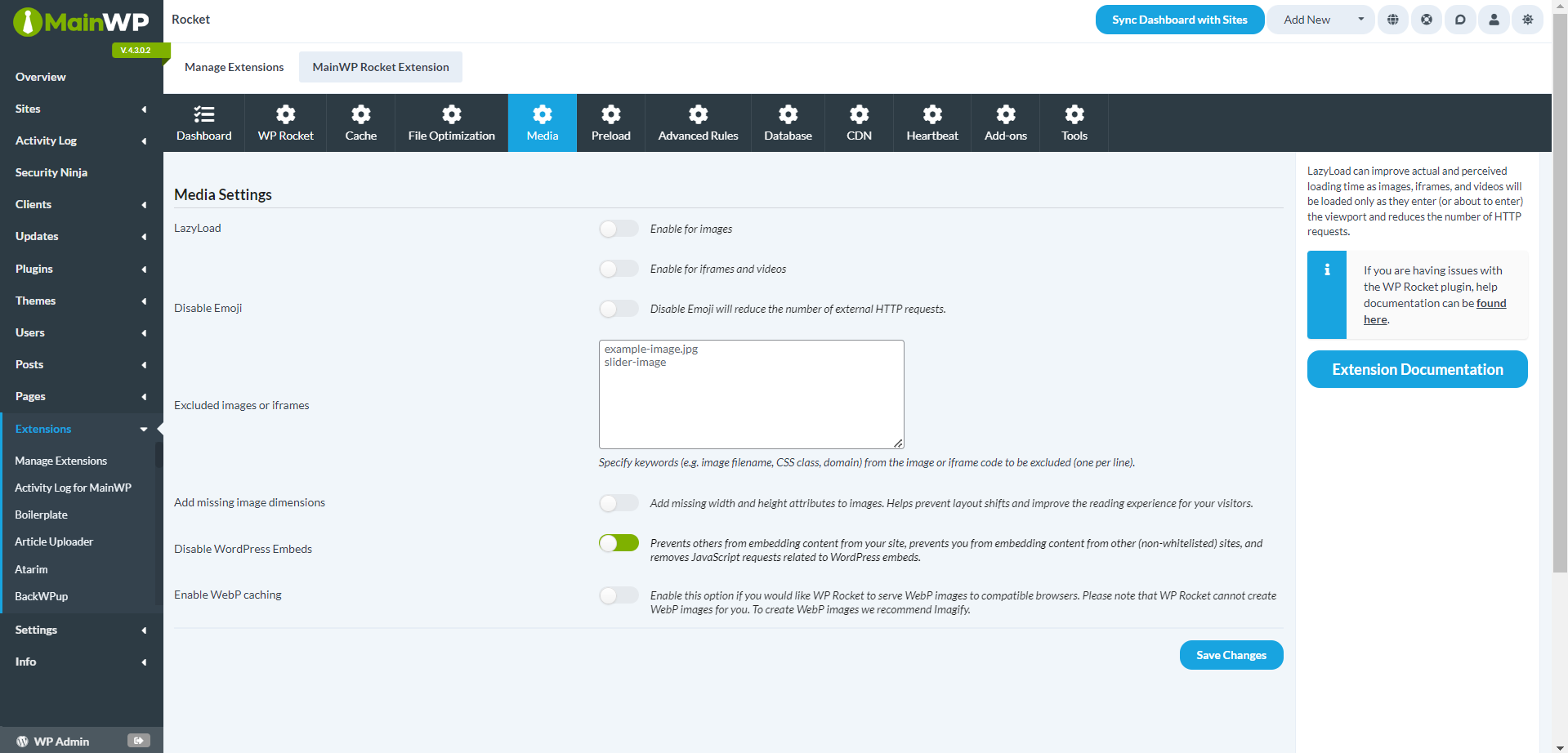
WP Rocket Integration not only simplifies management but also focuses on boosting performance. It features advanced options for performance optimization, including deferred loading of images and JavaScript, minification of HTML code, and combining and reducing CSS and JavaScript files. This leads to quicker load times, better SEO, and higher conversions for your websites.
User-Friendly Interface for All Skill Levels
WP Rocket Integration is crafted to be accessible for users of all skill levels, with an emphasis on ease of use. The straightforward interface allows beginners to easily navigate and harness the powerful features. Additionally, the extension activates instantly, allowing you to see improvements with minimal setup.
The WP Rocket Integration Advantage
WP Rocket Integration is distinguished from other caching plugins by its comprehensive features and user-friendly design. It also includes a self-hosted crawler bot that visits your site and generates cached files. When visitors access your site, they immediately receive the fast, cached version of the page, ensuring a seamless browsing experience.
Maximize Your WordPress Sites’ Potential
Don’t let the complexities of managing multiple WordPress sites slow you down. Boost your sites with WP Rocket Integration and enjoy the advantages of efficient site management, enhanced performance, and improved SEO.
FAQ for WP Rocket Integration
Is the WP Rocket plugin required to use the WP Rocket Integration?
Yes, the WP Rocket plugin must be installed and activated on your Child sites for the WP Rocket Integration to work effectively.
Can I manage WP Rocket settings for multiple sites from my MainWP Dashboard?
Certainly! The WP Rocket Integration lets you manage WP Rocket settings for all your connected Child sites directly from your MainWP Dashboard.
Does the MainWP Rocket Extension improve website performance?
Yes, the WP Rocket Integration incorporates advanced performance optimization features, such as deferred loading, code minification, and caching, to boost your website’s speed and performance.
Is the WP Rocket Integration user-friendly for beginners?
Absolutely! The WP Rocket Integration is designed with a straightforward interface, making it simple for users of all skill levels to navigate and leverage its powerful features.