
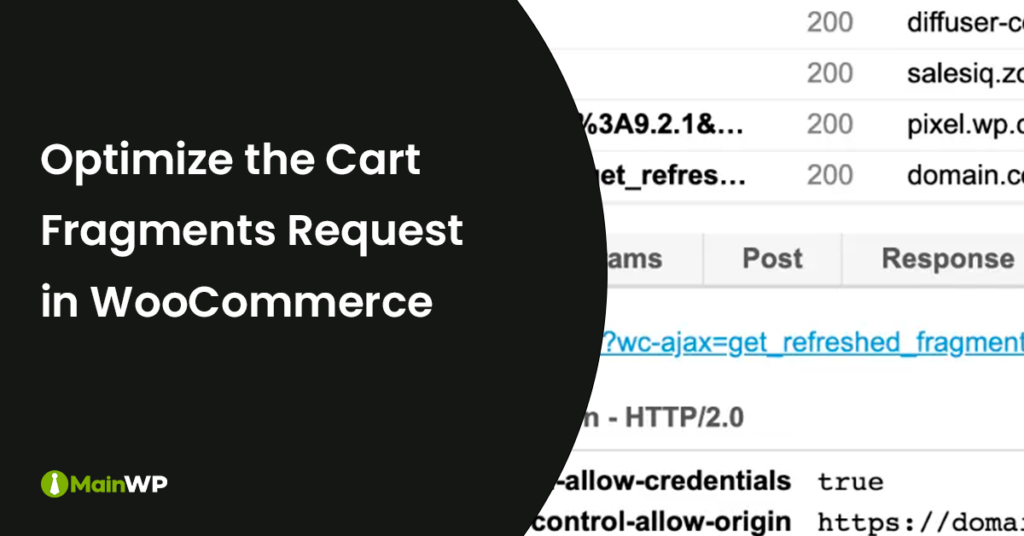
In WooCommerce, the “get refreshed fragments request” is used for updating the mini cart in the header of the site, and the request from WooCommerce can be slow.

The request in WooCommerce will show as being;
?wc-ajax=get_refreshed_fragments
Some caching plugins have built-in solutions for optimizing the “get refreshed fragments request” from WooCommerce, such as WP Rocket and Swift Performance.
The WP Rocket plugin will optimize the AJAX get_refreshed_fragments request, improving your WooCommerce store’s performance.
While the Swift Performance plugin has an advanced view option to cache the empty mini cart. If you run into issues using the WP Rocket plugin with the mini cart being cached, then you can use the helper plugin to disable it.
Using either of the built-in features in WP Rocket or Swift Performance plugin will help optimize your site’s cart fragment requests in WooCommerce.
Useful Links
-
- https://docs.wp-rocket.me/article/1100-optimize-woocommerce-get-refreshed-fragments
- https://docs.wp-rocket.me/article/1436-mini-cart-cached-already-has-product-in-it
- https://docs.swiftperformance.io/knowledgebase/woocommerce/
- https://wordpress.org/support/topic/wc-ajaxget_refreshed_fragments-1/
- WooCommerce Github – get_refreshed_fragments()


