
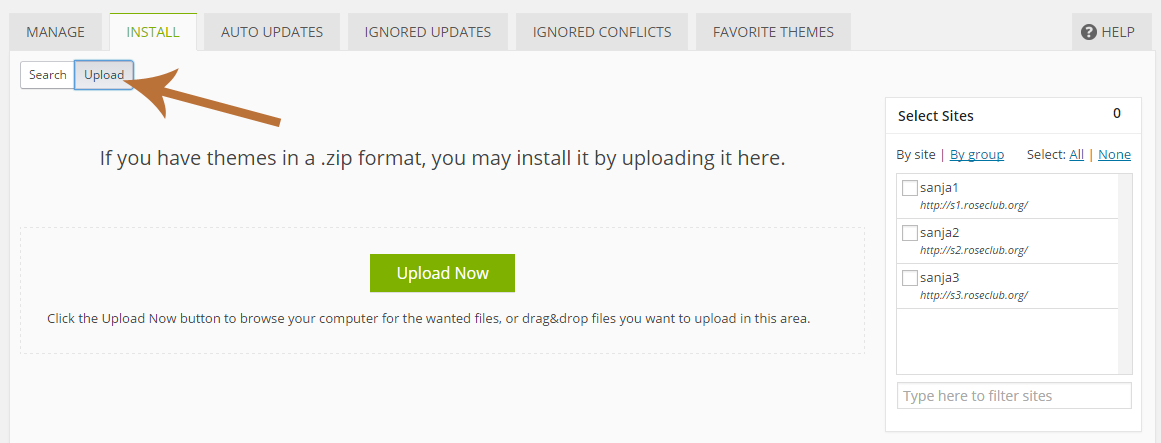
If you use a premium theme or plugins on your child site and automated updates are not available, you can upload and update them from your dashboard. To do that go to the Themes (Plugins) > Install Page. Click the Upload tab:
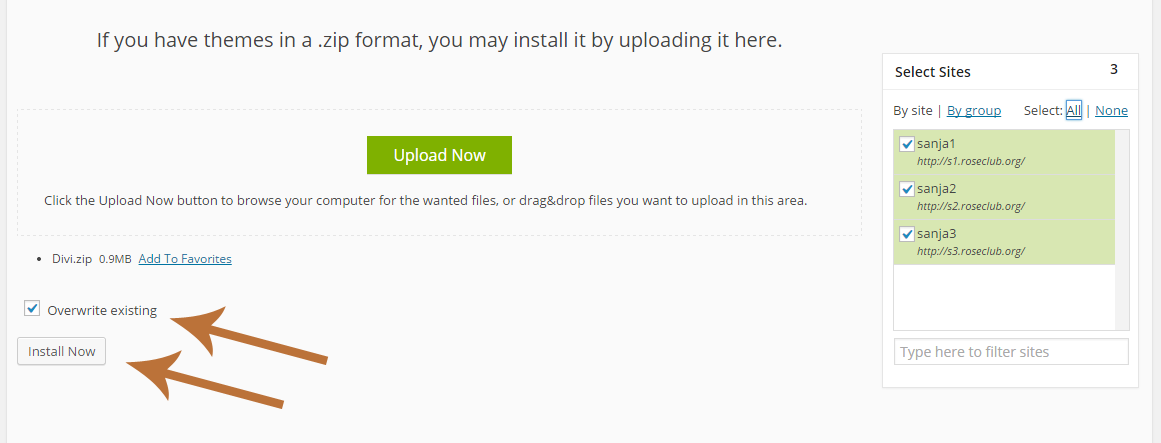
Click the Upload Now button and upload your theme from your computer. After that select wanted sites. Make sure the Overwrite Existing options is checked and click the Install Now button:
Your Theme (Plugin) will be overwritten by the newer version!
