
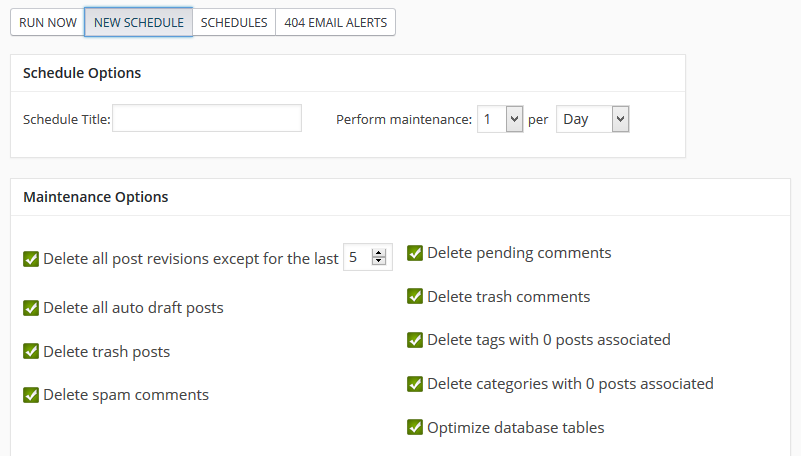
MainWP Maintenance Extension allows you to schedule a maintenance task. To do that go to: MainWP > Extensions > MainWP Maintenance Extension and on the NEW SCHEDULE tab set your maintenance options:
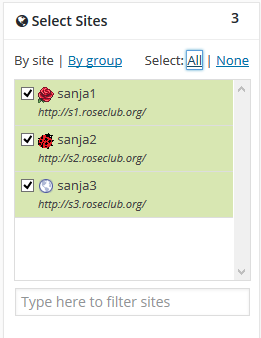
Select the child sites your new maintenance job should apply to:
And click the Schedule Maintenance button.

1 comment
Thomas Bunte
Great function, but like f.e. the backup schedule it would be very nice if it was possible to add a time for maintenance and not only a date.
So that we can plan such administration work for the late night.
Comments are closed.