

MainWP Blog - WordPress Security
Tips for Employee Information Security Training
Published on March 21, 2025 by Donata Stroink-Skillrud under Privacy, WordPress Business, WordPress Security

We all make mistakes. Maybe we hold the door for a stranger to be polite, allowing them to enter our building, ignore a warning to update our browsers because we have a busy day ahead of us, or allow a coworker to log into our email to resolve a customer issue. While these actions may seem innocuous, they can lead to extremely costly security incidents and data breaches. In fact, recent studies have found that 88% of cybersecurity breaches were Continue reading the post...
Tips for Employee Privacy Training
Published on February 21, 2025 by Donata Stroink-Skillrud under Privacy, WordPress Business, WordPress Security
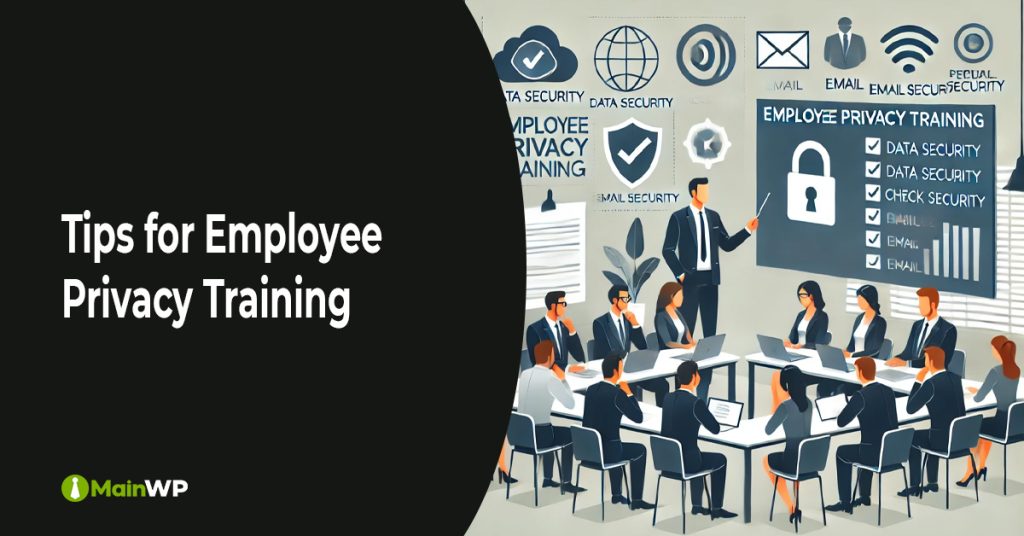
As more and more privacy laws go into effect every year, privacy compliance obligations are only increasing for businesses. For example, you may now be required to allow customers to delete their data, be more careful as to who receives your marketing emails, and include privacy checkboxes on every form on your website. These types of obligations can affect every part of your business and every employee. Since most privacy violations are caused by employee mistakes, it is imperative that Continue reading the post...
WordPress Security Trends and Predictions for 2025
This article explores the security landscape for the year 2025. Three WordPress community-recognized web security experts will share their insights and predictions to help us anticipate and address upcoming security challenges. Our team of experts include Rob Cairns of Stunning Digital Marketing, Oliver Sild of Patchstack, and Kathy Zant, experienced security consultant. Kathy wrote and published her own article about cyber security trends on her website – see here, while Oliver Sild wrote and published his predictions at The Admin Continue reading the post...
EU Cyber Resilience Act: What You Need to Know
Published on November 19, 2024 by Donata Stroink-Skillrud under Privacy, WordPress Business, WordPress Security

EU Cyber Resilience Act: What you need to know How many connected or “smart” devices do you have in your home? From Amazon Alexa to the Ring doorbell, to smart refrigerators, to smart lightbulbs, connected devices don’t just help us manage our households, they also introduce serious cybersecurity risks. In fact, there were over 112 million Internet of Things (IoT) cyber attacks worldwide in 2022. These attacks can range from the hacking of baby monitors to watch a mother breastfeed Continue reading the post...
Cleaning Up Malware on WordPress: The 7-Step Solution

Malware can pose a severe threat to the performance and security of your WordPress site. If your website has been compromised, it’s crucial to act quickly to address the issue. While removing malware and restoring your site may seem straightforward, it’s essential to approach the process cautiously. Consult official WordPress documentation or contact a reputable WordPress security expert or company. They will be better equipped to assess the situation and recommend the appropriate steps to safely and effectively resolve the Continue reading the post...
Securing Your WordPress: Why and How to Change the Login URL

Changing your WordPress login URL effectively enhances website security and protects against common threats like brute-force attacks. By default, WordPress uses the same login URL format for all sites, making it easier for hackers to locate the login page. Modifying this URL adds an extra layer of security by making it harder for attackers to find. The process has some steps: installing a plugin to change the login URL, updating your site’s permalink structure and then flushing any permalinks set Continue reading the post...
Why Nulled WordPress Plugins Are a Threat to Your Website’s Integrity
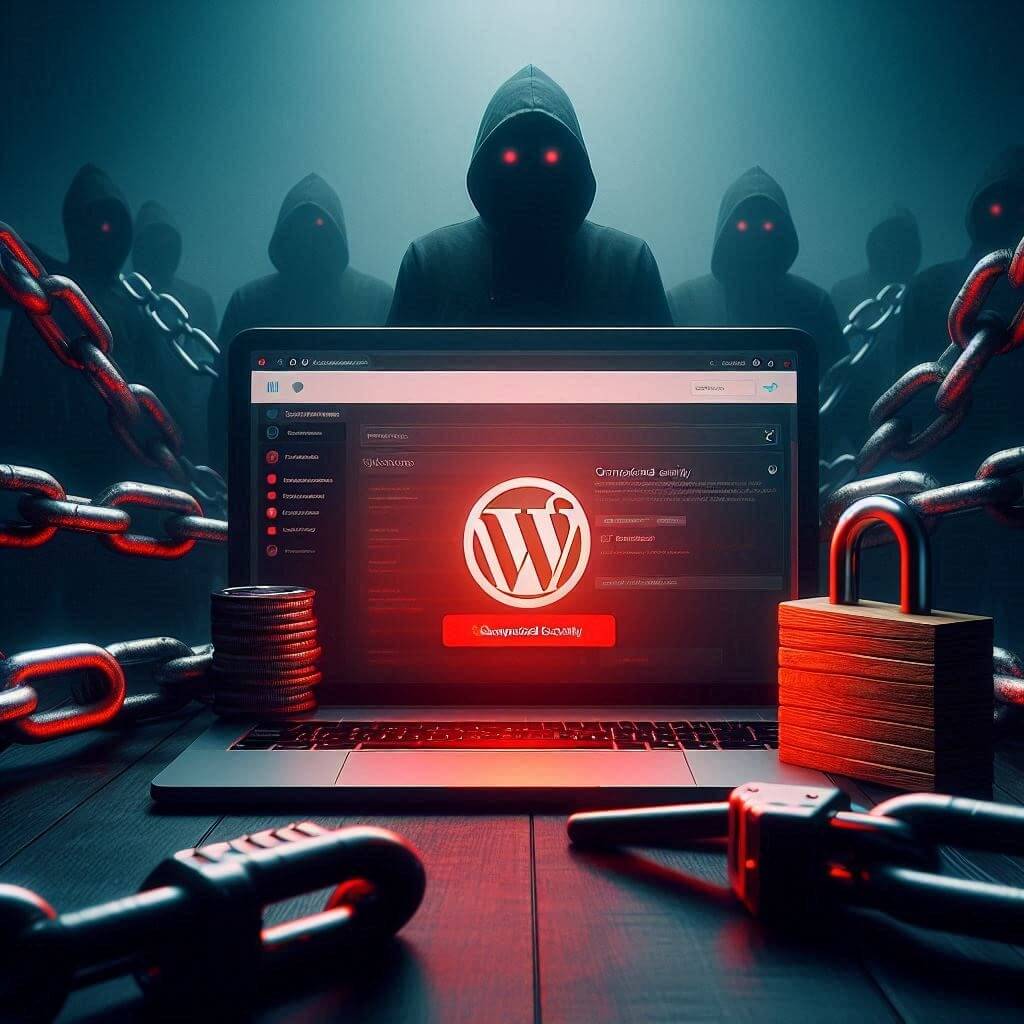
Nulled WordPress plugins, pirated versions of premium plugins distributed illegally, pose significant security risks to websites. These risks can severely compromise site security, data integrity, and user trust. Firstly, many nulled plugins are bundled with hidden malicious code, such as backdoors. These backdoors grant attackers unauthorized access to the website, allowing them to execute commands, steal sensitive information, and manipulate site content. For example, attackers can install additional malware, create new backdoors, or take complete control of the website’s administration. Continue reading the post...
The Essentials of Website Monitoring: Protecting Your Online Presence

Website monitoring is crucial for ensuring online platforms’ health, security, and performance. In today’s digital landscape, where websites are often the lifeline of businesses, maintaining their functionality and protecting them from threats is paramount. Website monitoring is a proactive measure to detect and resolve issues before they escalate, ensuring a seamless user experience and safeguarding the business’s reputation. What is Website Monitoring? Website monitoring involves regularly tracking and analyzing a website’s performance, availability, and security. It encompasses a range of Continue reading the post...
Troubleshooting Tips for a Locked WordPress Admin Dashboard

Getting locked out of your WordPress admin dashboard can be frustrating, but identifying the cause and applying the appropriate solution can resolve most issues. Here are some common reasons for being locked out and steps to address each situation: Forgotten Password: 1. Resetting Your Password: – On the login screen, click the “Lost your password?” link. – Enter your username or email address. – Follow the instructions in the email you receive to reset your password. Too Many Failed Login Continue reading the post...
Protect Your Accounts: The Perils of Password Reuse

Password reuse is a significant security vulnerability many users inadvertently introduce into their online habits. The convenience of using the same password across multiple accounts is outweighed by the risks it poses. Here’s why password reuse is dangerous and what you can do to protect yourself. The Risk of Password Reuse When a password is reused, a single compromised account can lead to a cascade of breaches across all accounts that share the same password. Cybercriminals often exploit this through Continue reading the post...
Share
Manage Unlimited WordPress Sites from One Dashboard!
- Privacy-first, Open Source, Self-hosted
- Easy Client Management
- 15+ & 30 + Premium Add-ons
- Bulk Plugins & Themes Management