

How to Remove Undeleted Logs of Simple History Plugin
Heads up: This page may include affiliate links. Read the full disclaimer.

If a client site is already using the Simple History plugin for activity logging then it can be possible that the plugin is causing some database bloat.
The activity log retention time for the Simple History plugin is 60 days, and this limit can not be changed.
In most cases when the plugin is deactivated and deleted then it should automatically remove the custom database tables it uses.
Simple History Plugin for WordPress
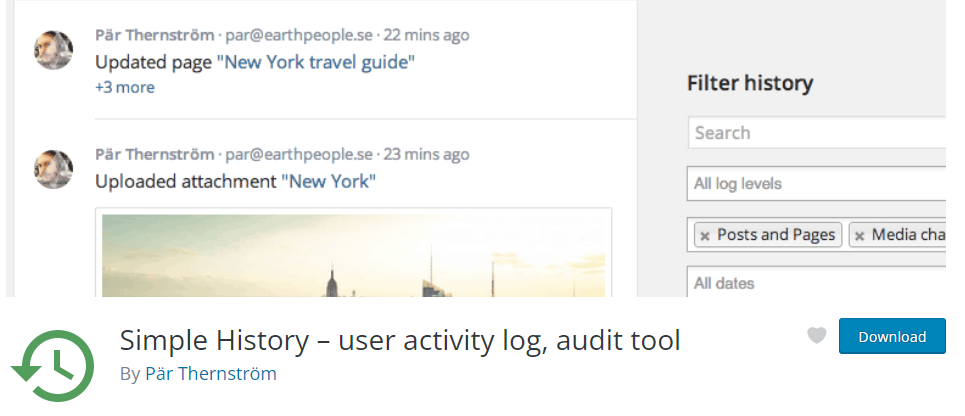
The Simple History plugin stores the activity data in the following two custom database tables;
wp_simple_history
Wp_simple_history_contexts
To clear activity logs you need to navigate to Settings > Simple History > Clear log now

But in some cases, if you are not able to purge the log data in the plugin settings, you may want to remove the logs manually.
The first method to remove Simple History plugin data would be using phpMyAdmin then either deleting (drop) the two database tables or purging (empty) the records stored in the database tables.
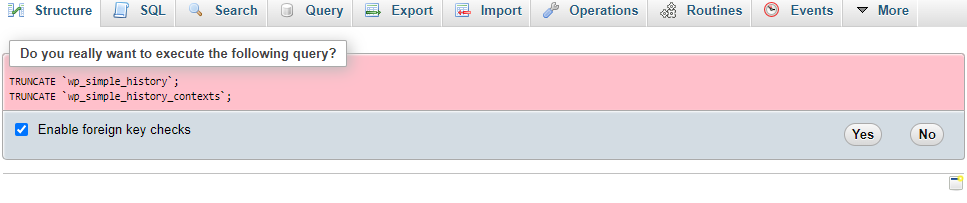
The other method is to use the WP-Optimize plugin to remove the two Simple History database tables;
- WP-Optimize > Database > Tables
Search for simple_history then select the two database tables to remove those.
There are alternative activity logging plugins such as the WP Activity Log plugin which does have an extension for MainWP and works well and makes it easier to set a shorter long retention storage timeframe.
Useful Links

Share


Manage Unlimited WordPress Sites from One Dashboard!
- Privacy-first, Open Source, Self-hosted
- Easy Client Management
- 15+ & 30 + Premium Add-ons
- Bulk Plugins & Themes Management