

Switch Updates View Mode
Heads up: This page may include affiliate links. Read the full disclaimer.
By default updates in the MainWP Dashboard appear in a per plugin view. This means that if you list all your available updates in the right now widget the list will show all your plugins with available updates.

You can switch this view and show the updates per site if you prefer. To do this , go to the MainWP > Settings > Global options tab, locked the Upgrade options box and set the View upgrades per site to YES:
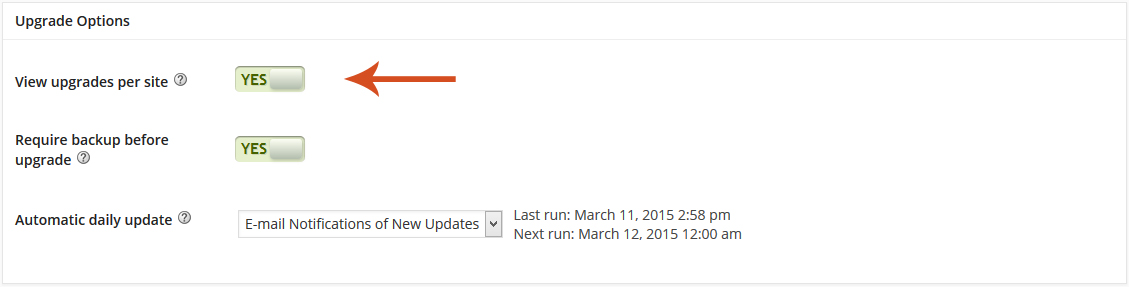
After switching the view mode your widget will look like this:

Updates are now listed per site.
Choose the best option for you and enjoy the MainWP experience.

Share
Manage Unlimited WordPress Sites from One Dashboard!
- Privacy-first, Open Source, Self-hosted
- Easy Client Management
- 15+ & 30 + Premium Add-ons
- Bulk Plugins & Themes Management