

Add Bulk Users
Published on April 28, 2015 by Bogdan Rapaić in MainWP Blog under
Heads up: This page may include affiliate links. Read the full disclaimer.
If you want to bulk add users go to: MainWP > Users > Add New and scroll down to Bulk Upload Section:
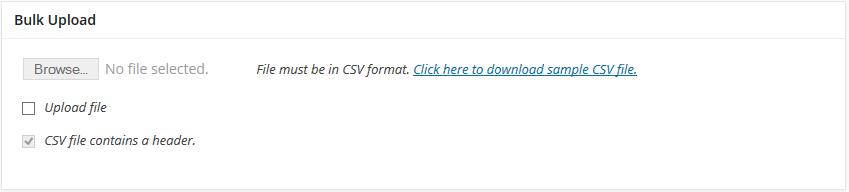
To bulk add users you will need to properly format a csv file. A sample csv file can be downloaded from your add users page.
The fields in the csv file are as follows
- Username – The new username to create
- Email Address – The email address for the new user
- First Name – The first name of the new user
- Last Name – The last name of the new user
- Users Web Site – The home site of the new user (NOT THE SITE YOU WISH TO ADD THE USER TO)
- Send Welcome Email – 0 for No – 1 for Yes
- Role – The role you would like the new user to have (subscriber, administrator, editor, author, contributor)
- Child Site to add User to – The site you would like the new user added to. (multiple sites can be chosen use ; to separate sites. https://site1.com;http:site2.com;https://site3.com

Share
Manage Unlimited WordPress Sites from One Dashboard!
- Privacy-first, Open Source, Self-hosted
- Easy Client Management
- 15+ & 30 + Premium Add-ons
- Bulk Plugins & Themes Management