


Dennis Dornon
Hi, I'm Dennis Dornon! As the creator and co-founder of MainWP, my team has helped thousands of web professionals streamline their WordPress maintenance workflow.
The 4.1.9 update is primarily a cosmetic update with a few minor bug fixes. The cosmetic changes are as follows, for a full rundown, check the changelog.
For all pages with a “Screen Options” choice (the button), we have added a “Reset Page” button to the bottom left that restores that page to the default setup from install. This reset includes any moved or removed widgets and columns.

We switched the checkboxes from being checked to represent hiding widgets to un-checked representing hiding widgets to match how WordPress wp-admin handles checkmarks.
On the Overview Page (specific) “Screen Options,” we removed the Enable/Disable toggle option for the Screenshots page and moved that to the actual Screenshot page.
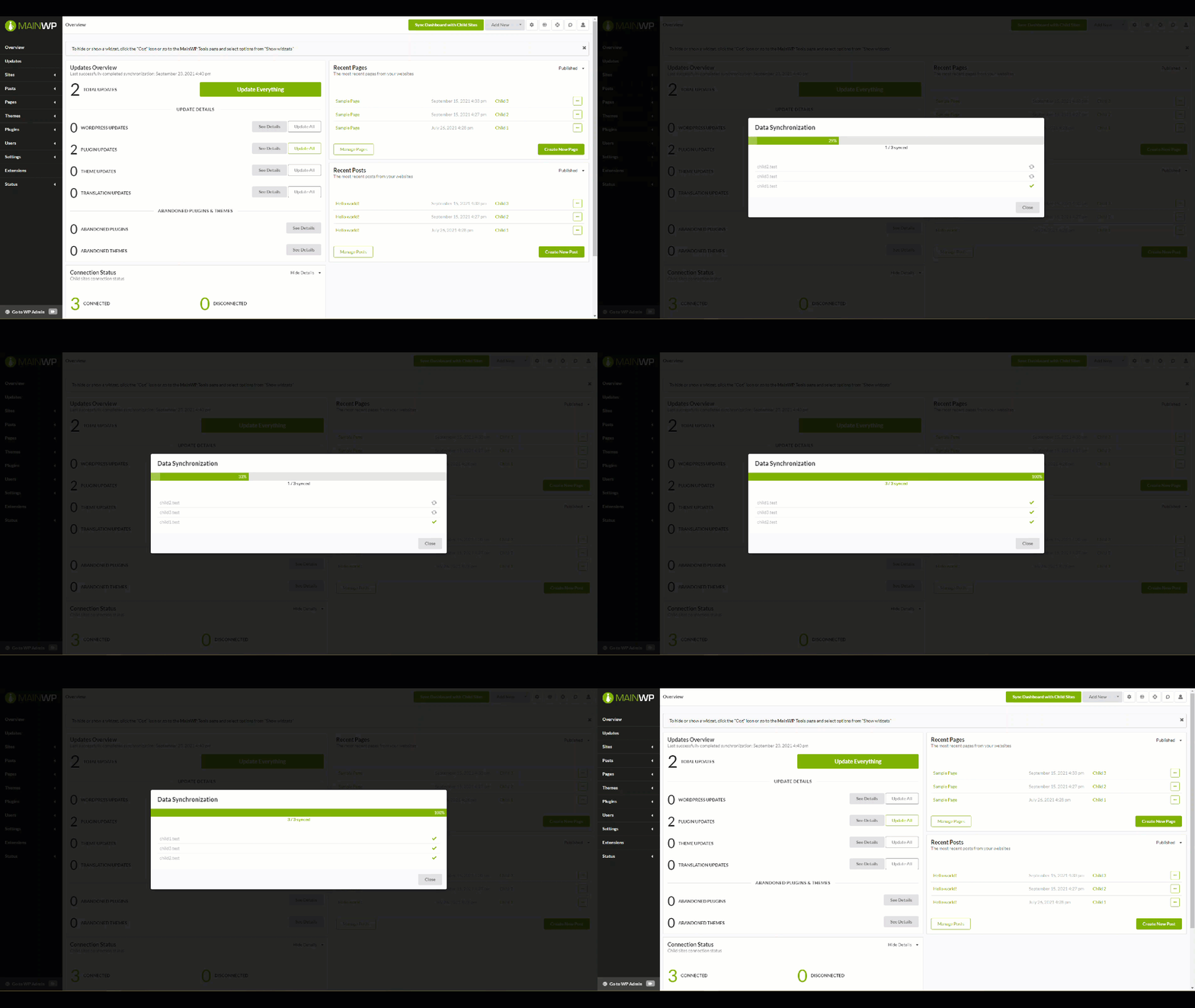
Added the progress bar you would see when syncing to all the progress modals for a cleaner, more standardized look.
Removed most of the default columns for new installs, so the page does not overwhelm users just learning MainWP. You can add each column back through the “Screen Options” () button.

We also added Tooltips to Manage Sites table data so as you mouseover, what the column represents is shown.
We changed the Screenshots preview icon in the Manage Sites table from to to better represent screenshots.
We added a “Verify MainWP Child has been installed” toggle to the Add Site form to remind admins to install and activate the Child plugin before attempting to add the site to their MainWP Dashboards.
We moved the optional settings to the background and can be unfurled by selecting the option.

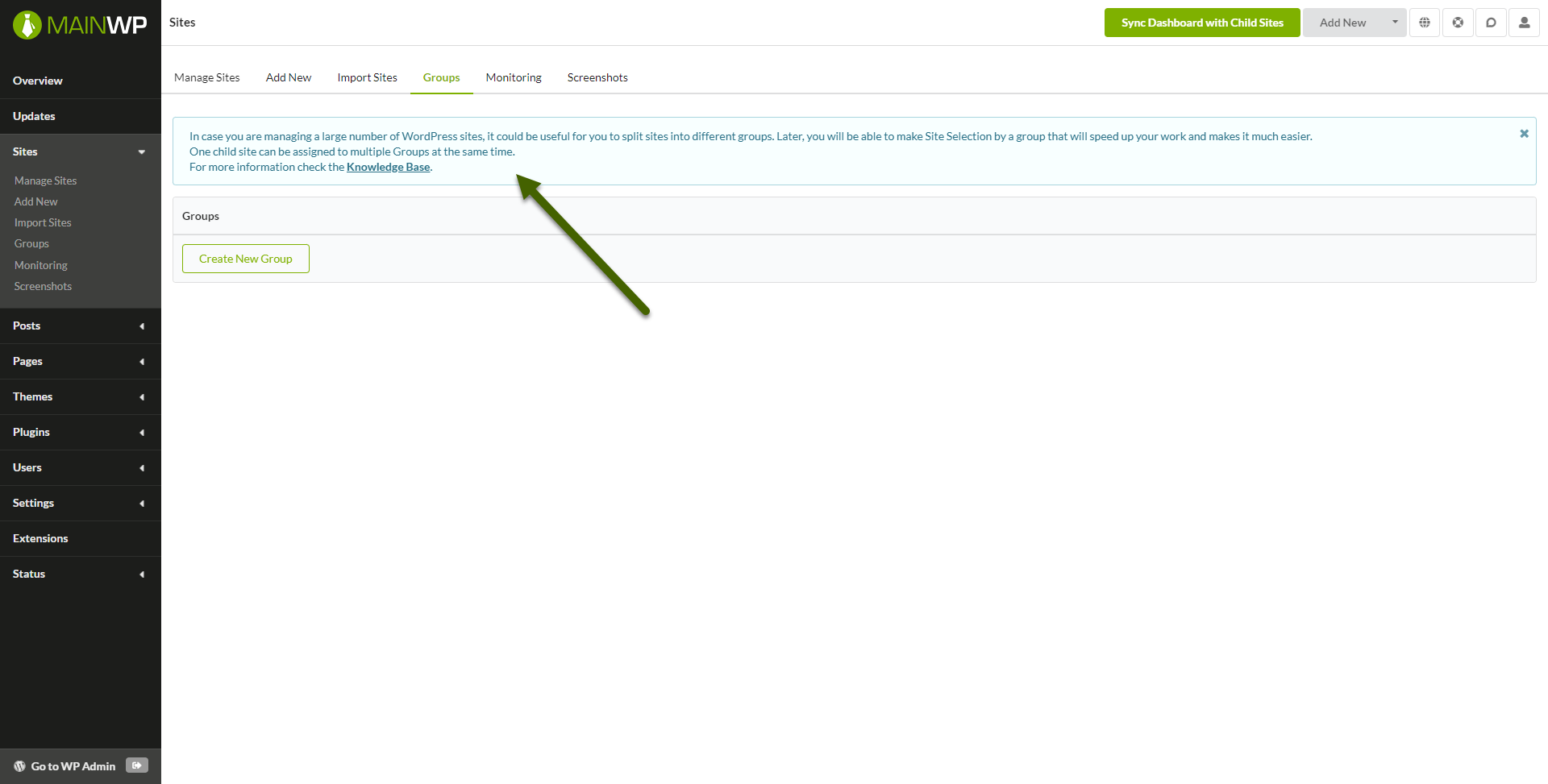
Added information about what a Group is at the top of the page.
We moved any messages for the Install and Activate Extensions button to appear above the buttons instead of below.
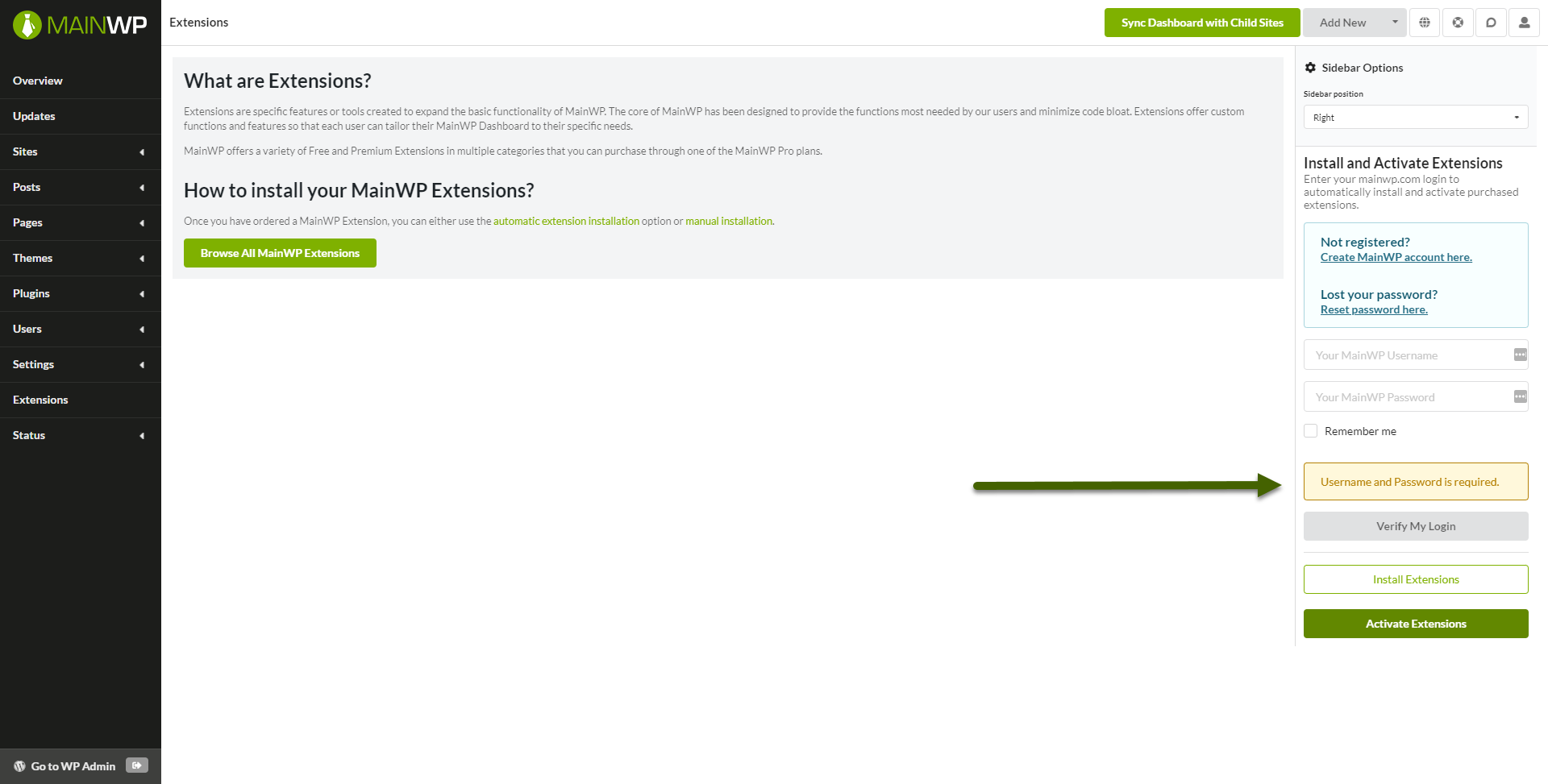
The “Verify My Login” button now requires a username and password to be entered before it will attempt to verify.
This update also included renaming some pages in this area, Global Options is now General Settings and Advanced Options is not Advanced Settings. Along with the name changes, we also merged General Settings and the Optimization page.
We copied the Timezone, Time, and Date format options from your WordPress wp-admin General Settings to make it easier and more intuitive to set the date and time format the way you want it.

Once again for the full changelog visit wp.org and as always, I want to thank you for your continued support of MainWP.
Manage Unlimited WordPress Sites from One Dashboard!


3 comments
Jorge Ihlenfeld
Thanks a lot…!!
Improvements are always welcome.
Very grateful for the ease that your development brings to my work.
I am a fan of MainWP.
Gary Petro
I like that you created the ability to show/hide columns in the Sites page, however, it does not really solve an age-old problem of wanting to have all columns and not being able to tell which site is which when you pan right.
Would be nice to “lock” the first column so that the site name is always visible.
Another nice addition would be to allow one to display columns in the order the user wishes.
Thanks.
Joko Ruwhof
Thank you for all the work that you do in this very, helpful product!
Comments are closed.