


Cameron Dornon
Cameron Dornon is a marketer at MainWP, specializing in content that helps WordPress professionals streamline site management and improve their workflows.
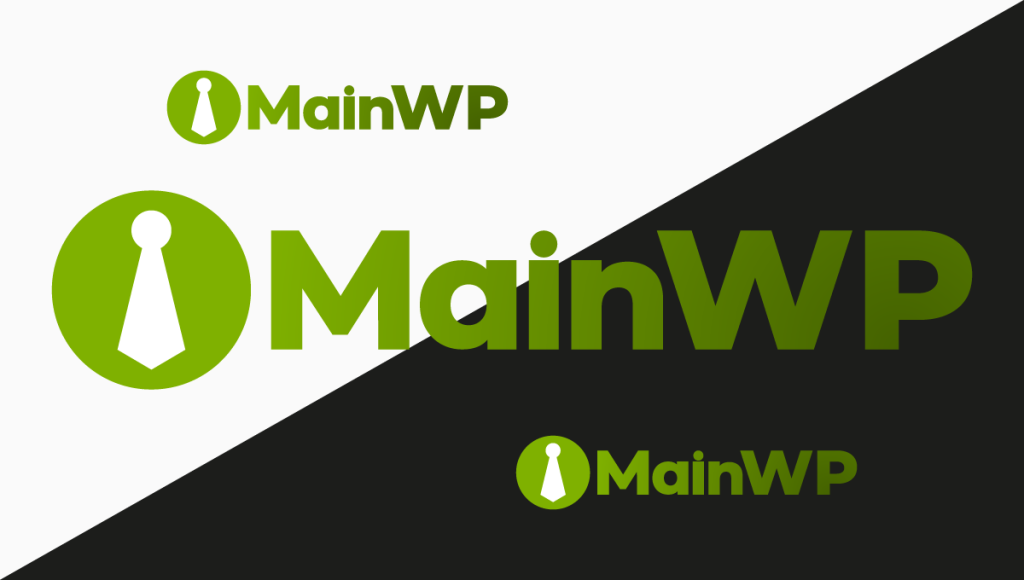
We Redesigned the MainWP Logo so it Looks Good on All Systems
We updated the MainWP logo with a simple goal. It should work everywhere without needing to be adjusted.
The old version handled contrast by switching the “WP” between black and white. It worked, but it never really felt like a single identity. It felt like two versions depending on where you placed it.
The new logo keeps everything inside the same color system. “WP” now uses a deeper green, while “Main” and the icon stay in the brighter lime. The contrast is still there, but it comes from within the brand instead of relying on the background.
That change removes a small but constant annoyance, there is no longer a light version and a dark version to manage. One logo works across the dashboard, the site, and anything else we put it on.
It also reads more cleanly. The shift from bright to deep green creates a natural flow through the wordmark. Your eye moves across it instead of stopping halfway.
There is a tone shift too. Pure black and white tend to feel sharp against modern interfaces. Moving to tonal color softens that without losing clarity. It fits better with how the product looks today.
We didn’t change this to draw attention. We changed it to perform better in everyday use.
You’ll start seeing it across MainWP now. If you want to understand how it’s being used and what changed, the branding guidelines are here.
This week’s update introduces several practical improvements, including enhanced reporting, clearer visibility of existing UpdraftPlus backups, and a set of behind-the-scenes fixes that improve overall stability and usability.
MainWP Dashboard 6.0.9
A solid update across the board. Uptime monitoring is now more reliable with better retry behavior for failed health checks. Sync concurrency is back to full speed. We’ve also added global search for filtering system report tables, a detected issues summary across all system report sections, and improved REST API diagnostics.
On the UX side, the Server Information page got a cleaner layout, the sidebar accordion behavior is more intuitive, and dark theme users will notice a cleaner background in the sidebar. Under the hood, data scoping improvements make settings and options more reliable across child sites.
MainWP Child 6.0.8
Network Activity tracking now covers core, plugin, and theme updates handled by WordPress auto-updates, giving you a more complete picture of what’s happening across your network. We also improved theme handling to prevent PHP warnings when installing themes via ZIP upload.
MainWP Dashboard 6.0.10-er.1
This Early Release brings a round of performance and reliability improvements, smoother update flow during plugin and theme installs, smarter site selection for ongoing updates, and faster overall site loading. We also tightened monitor widget access and improved related query performance.
MainWP Child 6.0.9-er.1
We improved how Network Activity reports WordPress auto-updates, so automated actions now show up clearly instead of appearing as “Unknown User.”
Regression Testing 5.1.5
More polish, better reliability, and fewer headaches during regression checks. Scheduled checks run more smoothly, page loading is more dependable, and large-page difference detection is improved. Caching and version handling got a tune-up behind the scenes as well.
Solid Security Integration 5.0.3
Fixes an issue that could stop the extension page from loading, plus a cleaner, more consistent interface. Small update, important fix.
We also dropped a new YouTube video: How to Use MainWP MCP to Manage Your WordPress Network with AI. If you’ve been curious about MainWP MCP, this is a great place to start.
New: How to detect the Essential Plugin wp-config.php compromise with Code Snippets gives you a fast, read-only way to scan child sites for known indicators tied to the wpos-analytics compromise, review results from one dashboard, and follow clear cleanup steps if anything is flagged.
Bulk Settings Manager has a refreshed walkthrough for importing keys, saving them to selected sites, using Boilerplate tokens correctly, and dealing with Invalid nonce errors through the built-in Skip Invalid nonce option.
Which MainWP database tables usually take the most space? now includes updated child-site Network Activity guidance, including the current 7-day default retention, where to shorten retention, and how to use cleanup actions more safely.
Time Tracker now gives clearer guidance for bucket setup and task logging, explains payment statuses in more detail, and documents the extension’s v1 and v2 REST API coverage.

Manage Unlimited WordPress Sites from One Dashboard!


