

Speed Up your Dashboard
Heads up: This page may include affiliate links. Read the full disclaimer.
If you have more than 50 Child Sites connected to your Dashboard, we recommend to turn on the Optimize for big networks option. Go to MainWP > Settings page and locate the Global Options options box. Set it to YES and click Save Settings button in the bottom of the page:
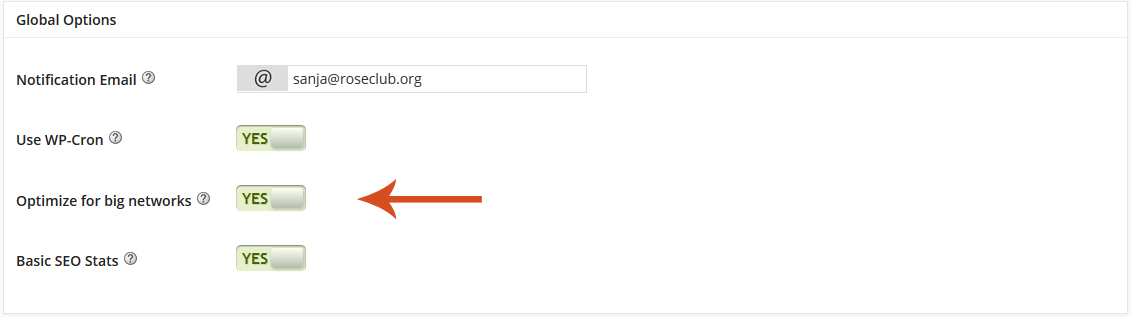
With this option enabled, your Dashboard will work faster. Updates will be cached for quick loading.
[box]
A manual refresh from the Dashboard is required to view new plugins, themes, pages or users.
[/box]

Share
Manage Unlimited WordPress Sites from One Dashboard!
- Privacy-first, Open Source, Self-hosted
- Easy Client Management
- 15+ & 30 + Premium Add-ons
- Bulk Plugins & Themes Management