

How to Remove the Code Snippets Plugin Data on Your Site
Heads up: This page may include affiliate links. Read the full disclaimer.

The Code Snippets plugin is a commonly used plugin for storing code snippets that are not tied to the child themes functions.php file.
Code Snippets Plugin for WordPress

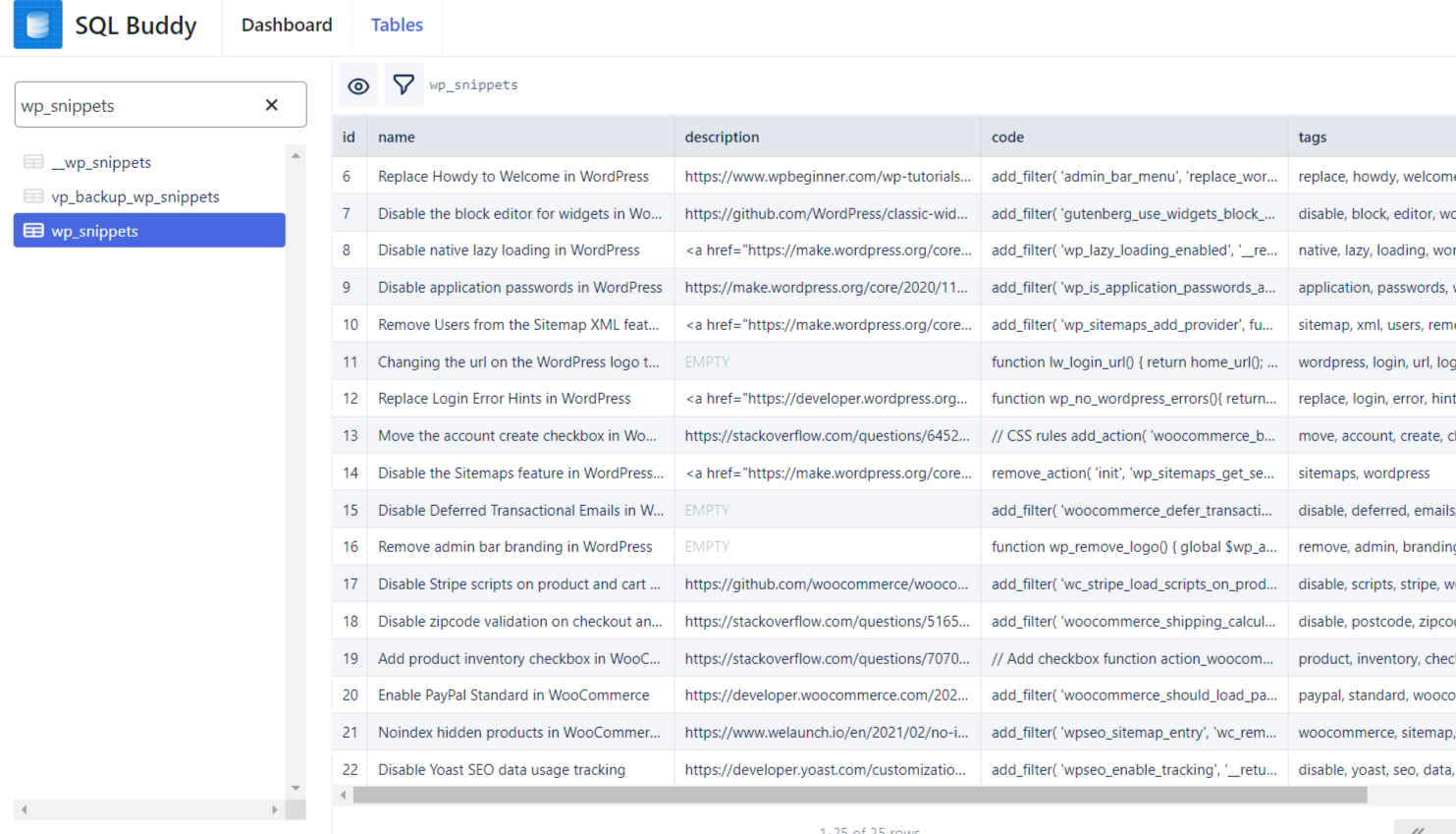
The Code Snippets plugin will store created code snippets into the below custom database table;
wp_snippets
Existing code snippets in the plugin can be downloaded as PHP files which you can turn into site-specific plugins or you could add them into the child themes functions.php file.
To remove all of the code snippets data when you uninstall the plugin, select “Complete Uninstall” by navigating to:
Snippets > Settings > General

The default setting for the Code Snippets plugin will not remove the data when the plugin is uninstalled so you will need to make sure that the settings have been selected and then saved.
You can verify that the Code Snippets database table no longer exists after the plugin has been uninstalled by searching for the table name in a plugin like WP-Optimize. Another plugin option to check if the code snippets database table no longer exists would be SQL Buddy.
The code snippets plugin is a useful per-site usage plugin that can be replaced with the code snippets extension from MainWP.

Useful Links
- https://help.codesnippets.pro/article/30-complete-uninstall
- https://github.com/sheabunge/code-snippets/blob/develop/uninstall.php
- https://wordpress.org/plugins/code-snippets/
- https://developer.wordpress.org/themes/advanced-topics/child-themes/#using-functions-php
- https://mainwp.com/extension/code-snippets/
- https://kb.mainwp.com/docs/category/mainwp-extensions/code-snippets/

Share


Manage Unlimited WordPress Sites from One Dashboard!
- Privacy-first, Open Source, Self-hosted
- Easy Client Management
- 15+ & 30 + Premium Add-ons
- Bulk Plugins & Themes Management