

How to Manage Comments on your Child Sites
Heads up: This page may include affiliate links. Read the full disclaimer.
MainWP Comments Extension allows you to manage your comment on yor child sites. To manage your comments, go to: MainWP > Comments.
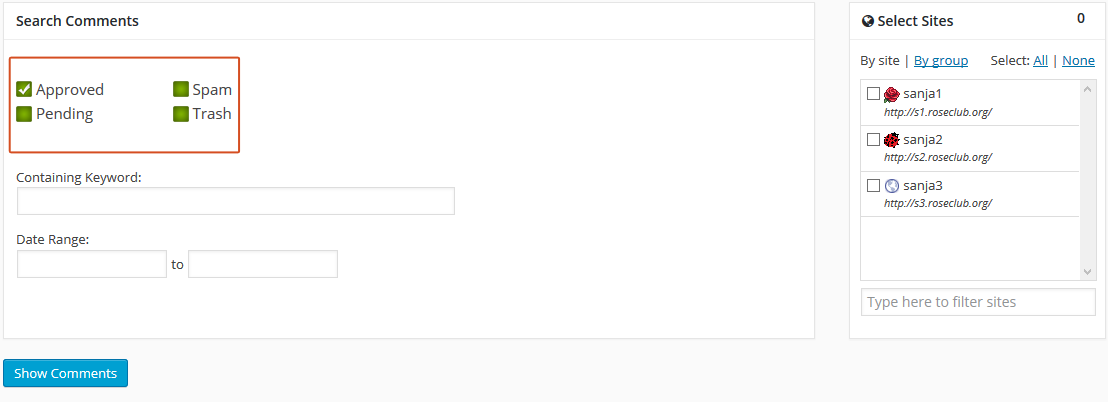
In Search Comments section, select do you want to search Approved, Pending, Spam or Trashed comments:
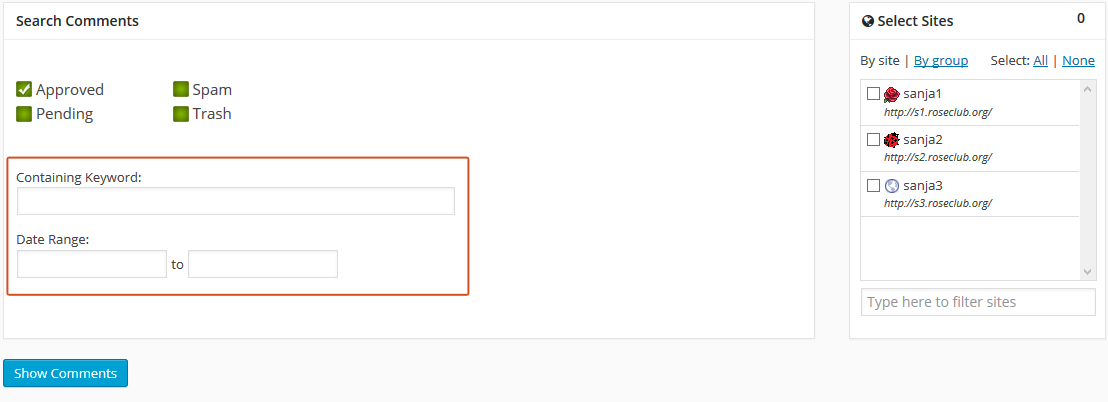
Enter a Keyword for search, pick a Date Range:
and Select Sites you want to search on:
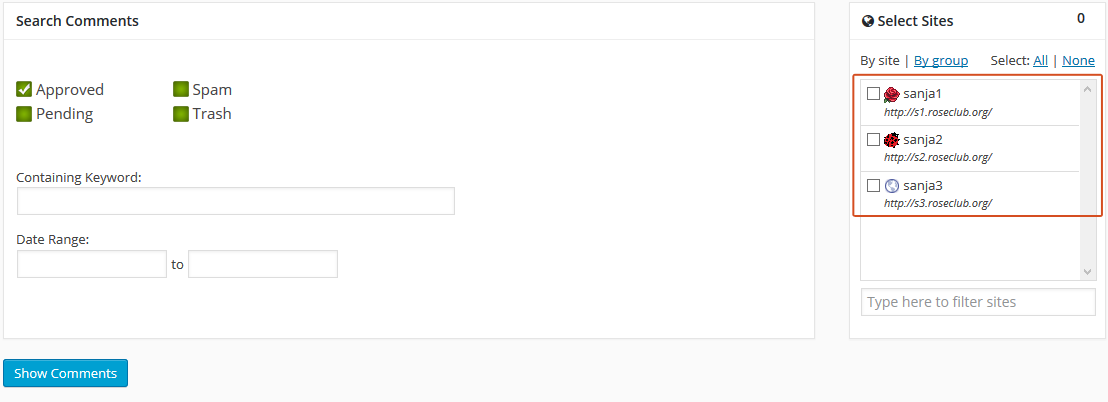 Hit the Show Comments button. Comment list appears in a Table.

Share
Manage Unlimited WordPress Sites from One Dashboard!
- Privacy-first, Open Source, Self-hosted
- Easy Client Management
- 15+ & 30 + Premium Add-ons
- Bulk Plugins & Themes Management