

MainWP Blog - Archives
October 2022 WordPress Roundup: Deceptive marketing, superfans, and a history of page builders

In this month’s WordPress roundup we discuss superfans, the history of page builders, and deceptive marketing practices. Buckle up. Let’s ride. Let’s Ride WordPress succeeds by embracing the superfans, not dismissing them masterwp.com/wordpress-succeeds-by-embracing-the-superfans-not-dismissing-them Rob Howard from MasterWP wrote a nice article comparing some decisions by Automattic to abandoning superfans. He makes a very valid point. The article starts with the drama around removing the chart that showed data about free plugins and their popularity. You may remember that happening in Continue reading the post...
How to Optimize the Cart Fragments Request in WooCommerce

In WooCommerce, the “get refreshed fragments request” is used for updating the mini cart in the header of the site, and the request from WooCommerce can be slow. The request in WooCommerce will show as being; ?wc-ajax=get_refreshed_fragments Some caching plugins have built-in solutions for optimizing the “get refreshed fragments request” from WooCommerce, such as WP Rocket and Swift Performance. The WP Rocket plugin will optimize the AJAX get_refreshed_fragments request, improving your WooCommerce store’s performance. While the Swift Performance plugin has Continue reading the post...
How to Fix the Smart Optimization Compression Issue in Imagify on Your Site

If you use the Imagify plugin for image optimization on your WordPress website. You may have noticed a change to compression levels being offered in the recent 2.0 update Version 2.0 of the Imagify plugin has new default settings for image compression and smart compression. This new default is similar to the ultra mode, and then if the AI detects enough image quality loss, it would be optimized at the aggressive level. The change was meant to make the Imagify Continue reading the post...
How to Remove FluentCRM Plugin Data on Your Site

Suppose you were using the FluentCRM plugin on your WordPress website and have already migrated any collected data into a CRM solution or a different CRM plugin. In that case, you may want to clean up the leftover data. To reset all FluentCRM plugin data from wp-admin, go to; FluentCRM > Settings > Tools To reset the FluentCRM plugin data on your site, you must add the following constant to your site’s wp-config.php file. define('FLUENTCRM_IS_DEV_FEATURES', true); The FluentCRM plugin uses Continue reading the post...
How to Properly Gather Consent on Websites

Modern websites are built to bring leads to the business, whether it be individuals setting up an appointment, subscribing to an email newsletter, inquiring about products or services, or purchasing such products or services. One consequence of bringing in new leads that many businesses don’t think about is that the individuals submit their personal information, such as names, emails, phone numbers, or IP addresses, to the website. Personal information such as the above is commonly collected by websites and is Continue reading the post...
5 reasons to use MainWP to help run your WordPress Web Care Business

Well, hello there. You may be looking at MainWP to manage your websites. Thanks for stopping by! As you look at reasons you might want to get started or even invest in this tool for your business, you may notice that there are tons of features. MainWP has worked hard over the past several years to build collaboration with some of the top tools in the WordPress industry. So, today, I thought I would talk about five reasons to use Continue reading the post...
How to Keep Your WP Activity Log Plugin Database Storage Down

If you are using the WP Activity Log plugin on your WordPress website for tracking site activity and changes, then it is worth keeping an eye on the site’s database tables that the plugin uses. The WP Activity Log plugin uses the following custom database tables for storage; wp_wsal_metadata wp_wsal_occurrences wp_wsal_sessions If you are already using the WP-Optimize plugin, then you can quickly check the size of the WP Activity Log from wp-admin; WP-Optimize > Database > Tables Then go Continue reading the post...
How to Remove the WPCode Plugin Data on Your Site

The WPCode plugin is a commonly used plugin for adding code snippets into the header and footer of your WordPress site but for some reason, you may want to move to a different code snippets plugin. In that case, you need to export the existing code snippets, add the existing code snippets into site-specific, or import them into the different code snippets plugin. To export existing code snippets, navigate to; Code Snippets > Tools > Export To delete the stored Continue reading the post...
How long does it take to write a blog post? One that “moves the needle.”

When it comes to writing blog posts, most people want to know three things: 1) How long should it be (how many words)? 2) How often should I post? and 3) How much should I pay? However, the better question you should ask, the one that helps you answer these questions is: How long does it take to write a blog post? Ultimately, business owners want to know how much they have to invest in content marketing. Content marketing is Continue reading the post...
How to Use the Biometric Logins and Passkeys on WordPress
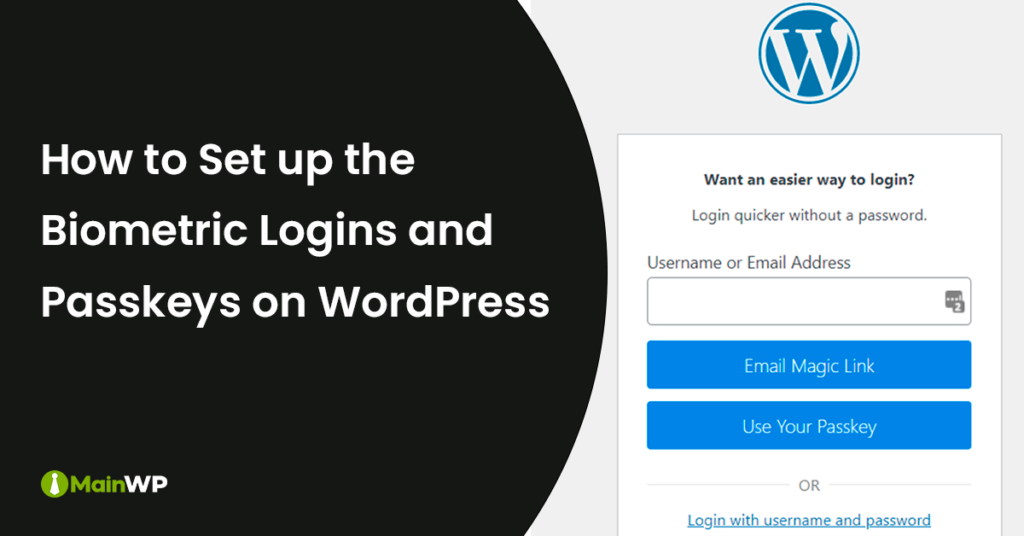
The iThemes Security Pro plugin added new beta biometric logins and passkey support. This now means that it is much easier for passwordless login to your WordPress site. Passkeys work on Apple and iOS devices and are also supported by Microsoft and Windows. Android support for Passkeys should be coming by the end of 2022. As part of the FIDO alliance, Google, Apple, and Microsoft are all committed to expanding the FIDO standard for passwordless sign-in. The WebAuthn standard is Continue reading the post...
Share
Manage Unlimited WordPress Sites from One Dashboard!
- Privacy-first, Open Source, Self-hosted
- Easy Client Management
- 15+ & 30 + Premium Add-ons
- Bulk Plugins & Themes Management